Free
Free$0 free forever
- The complete vector editor, nothing crippled, no watermarks
- Every fill, effect, curve and boolean operation
- Components, all three style systems, auto layout
- Import PSD / SVG / Sketch, export SVG / PNG / JPEG
VectorShop's AI learned its craft from a library of standout designs, so it delivers professional results in seconds. What you get isn't a frozen picture. It's a vector design where every element stays editable.
No more frozen images
Mac · iPad · iPhone
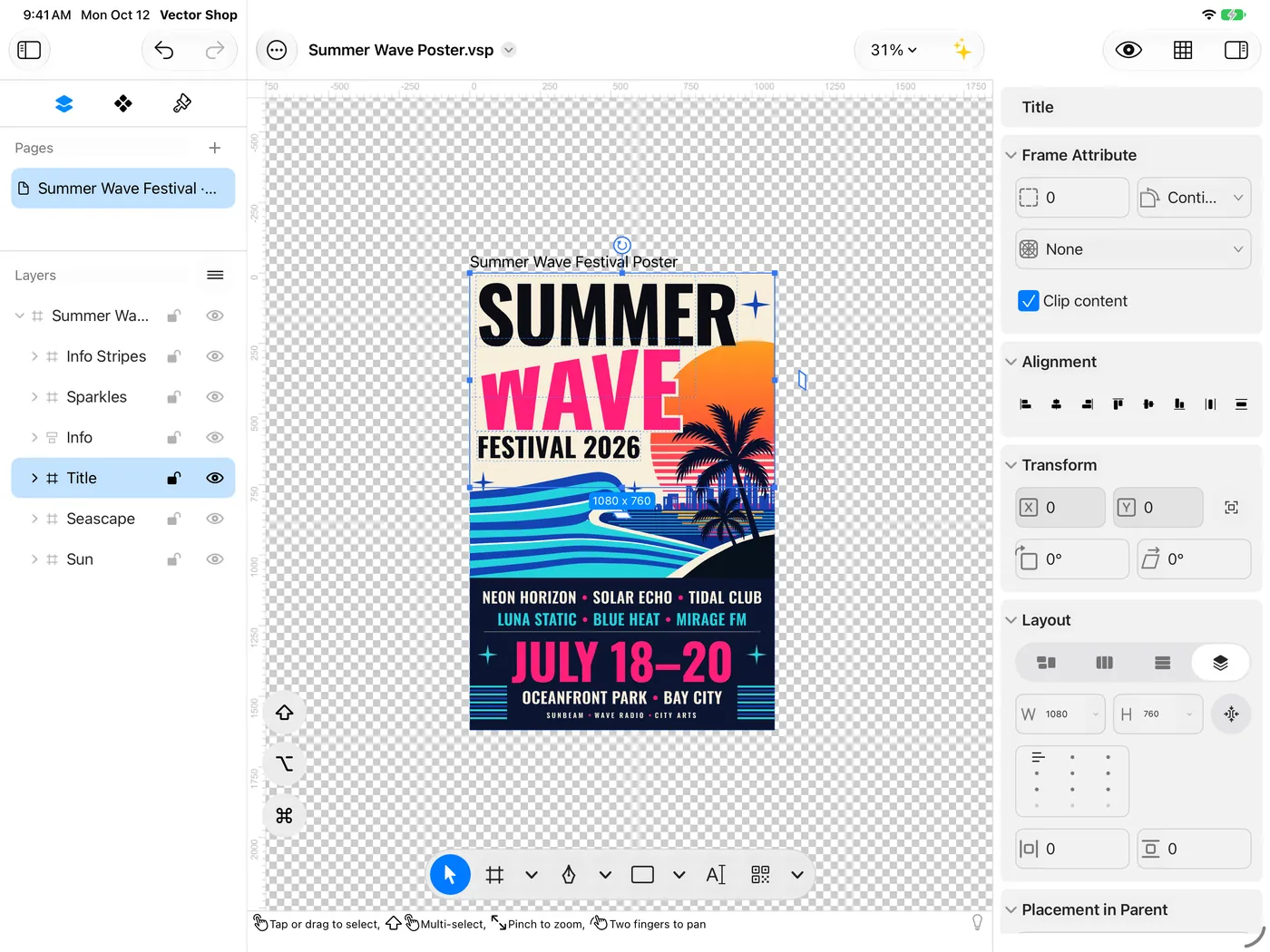
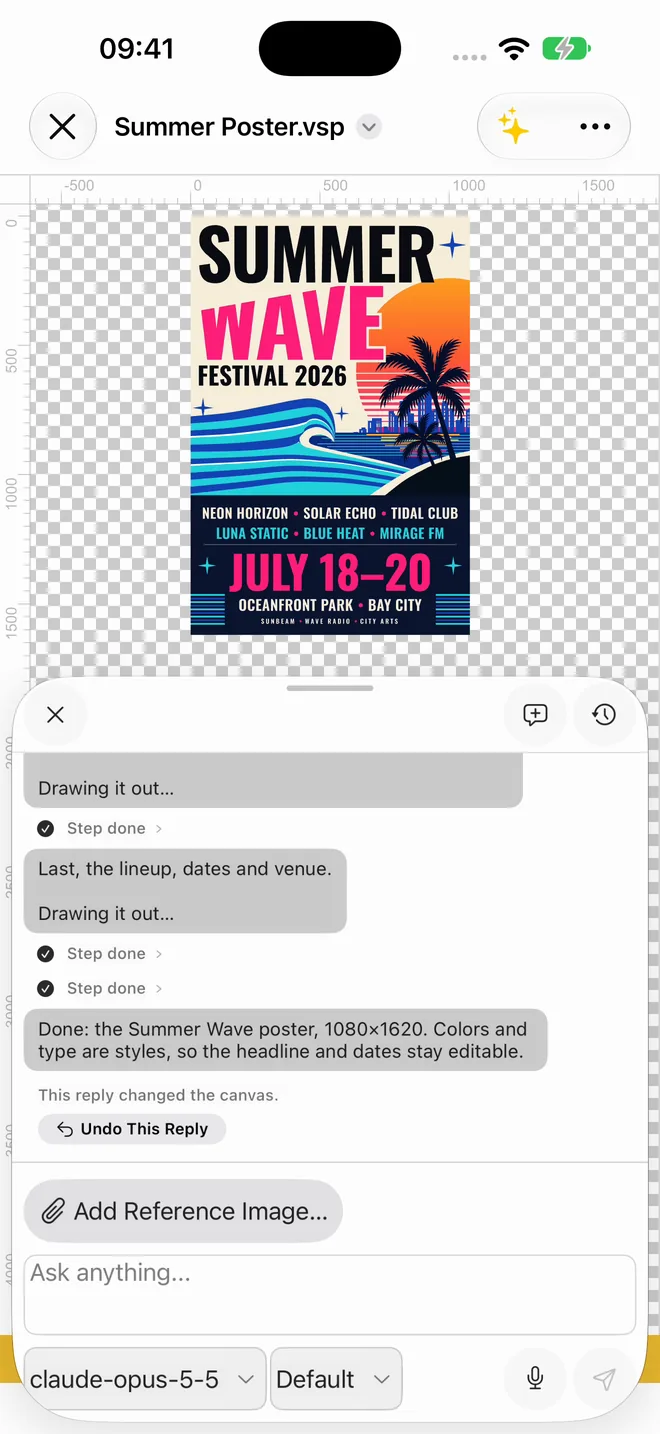
Refine with keyboard and trackpad on Mac, drag with your fingers on iPad, start a design with one sentence on iPhone. These are real screenshots of the same poster on all three. iPad and iPhone versions are coming soon.
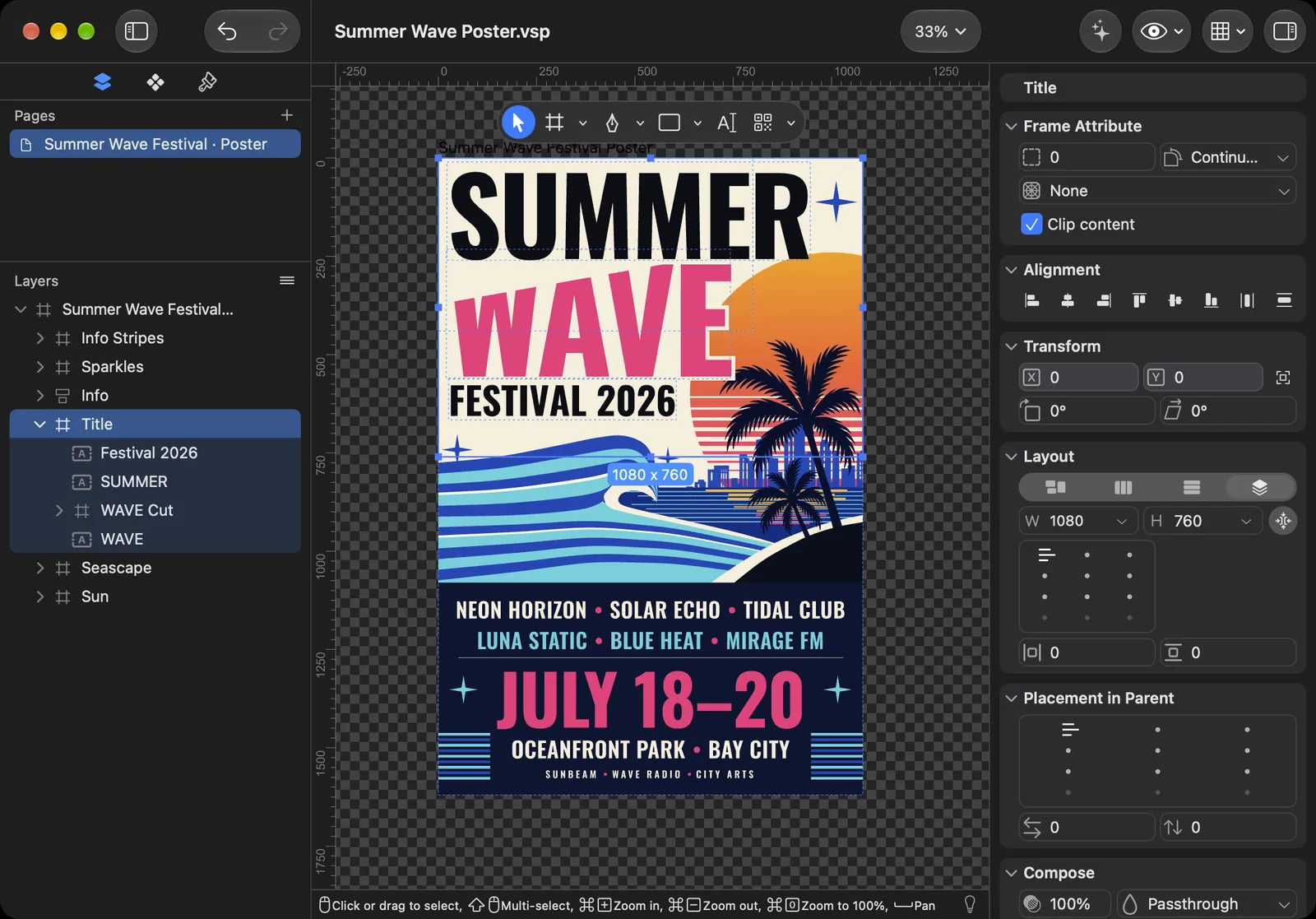

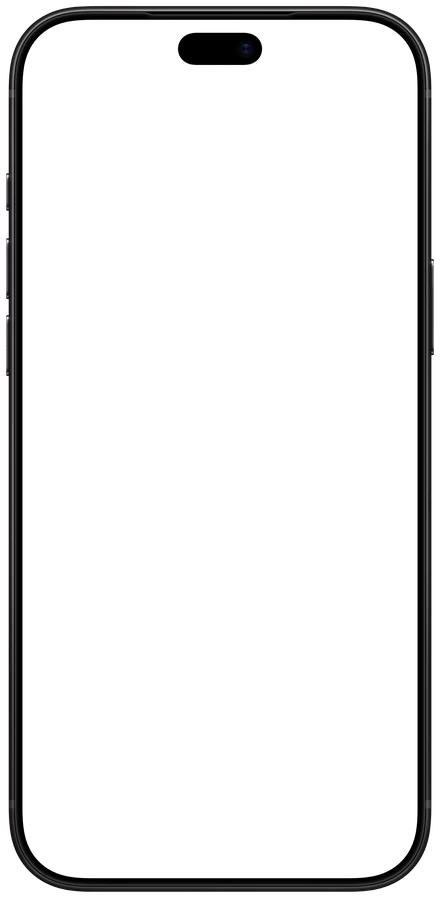
macOS · keyboard, mouse and trackpad
macOS 26 or lateriPadOS · touch, plus keyboard and trackpad
iPadOS 26 or lateriOS · say it, tweak it, on the go
iOS 26 or laterChange once, update everywhere
AI-made designs come with color, text and effect styles. This is a real recording: the Espresso color style turns green, and the poster, the banner and the square update together.
Color, text and effect styles managed like a design system. Change once, applied everywhere.
Turn repeated elements into components. Edit one, and every instance follows.
Vertical, horizontal and stack layouts. Swap a headline or change the details, and the layout makes room.
Not just AI
The editor is free and complete: curves, booleans, fills, effects, components, styles and auto layout, with no watermark on export.
Gallery
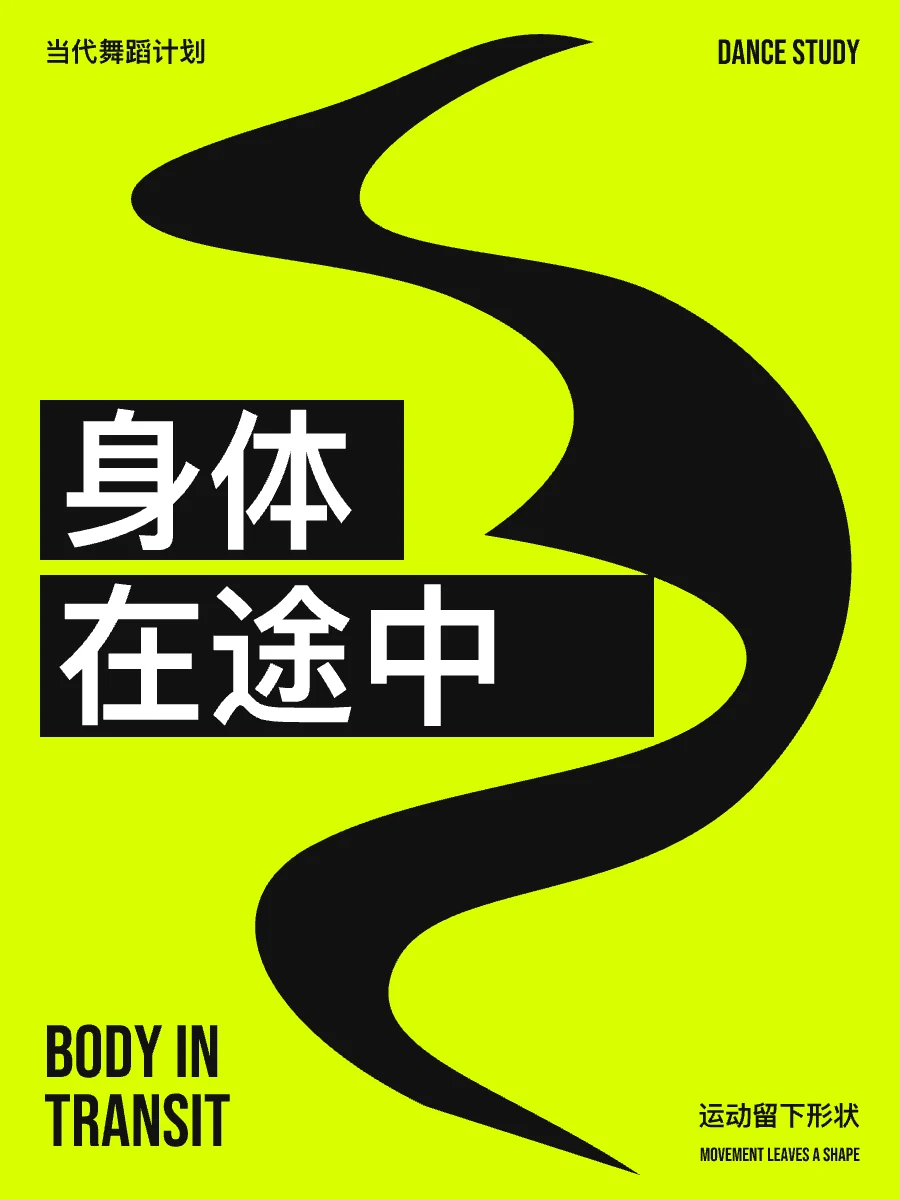
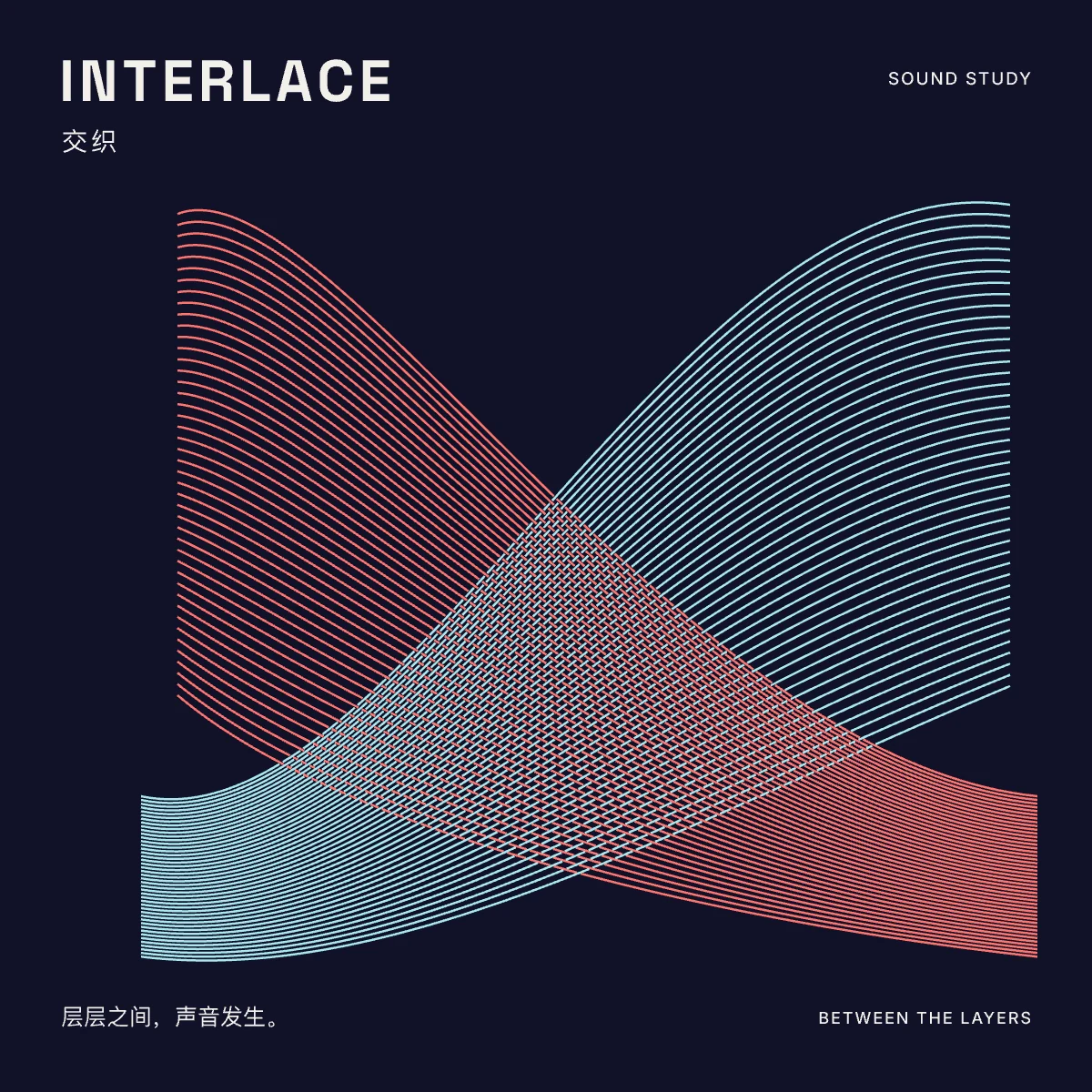
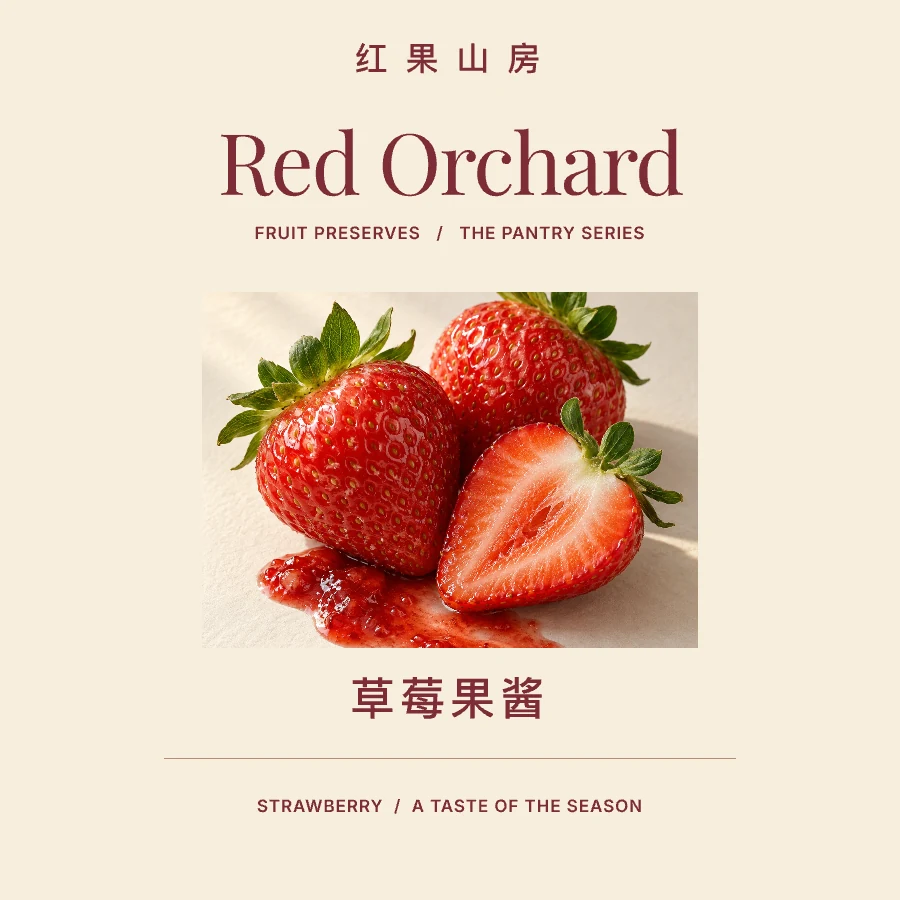
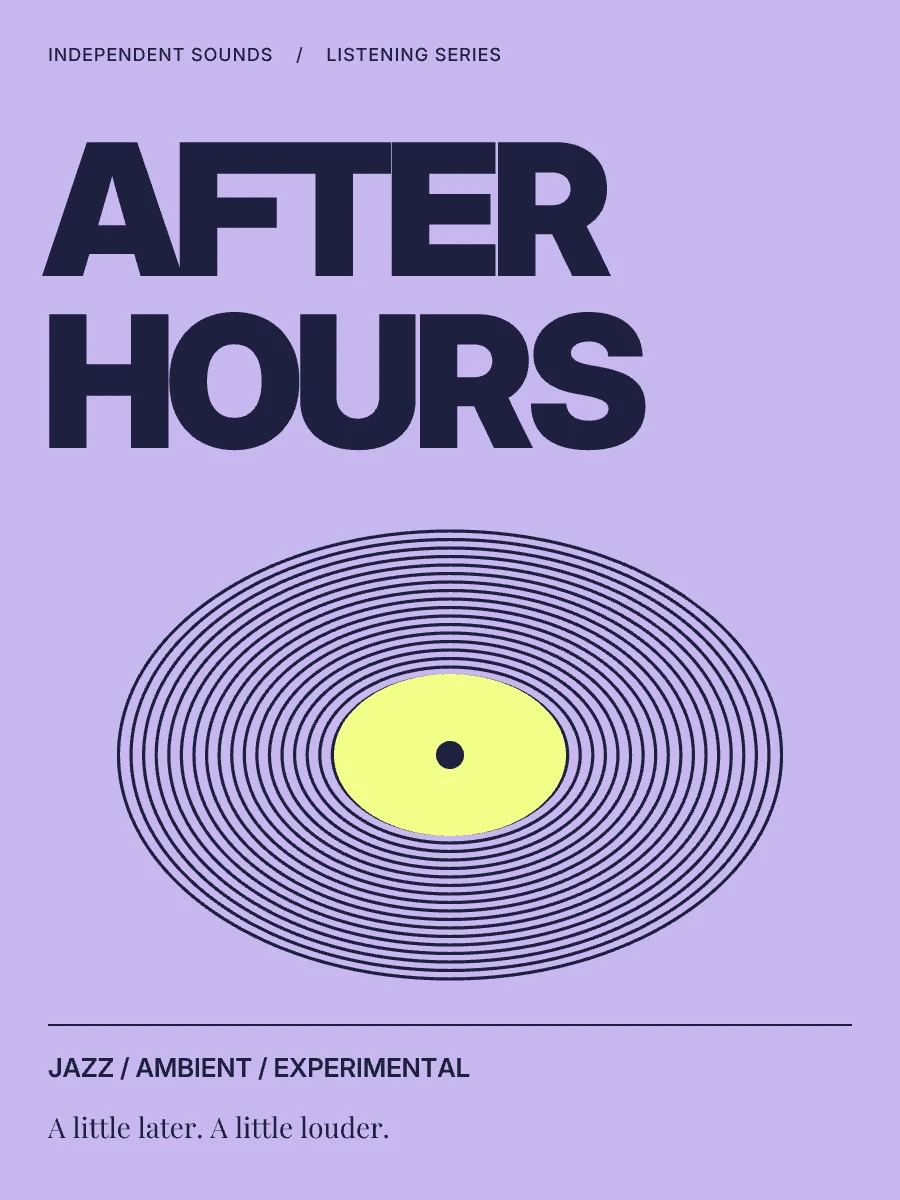
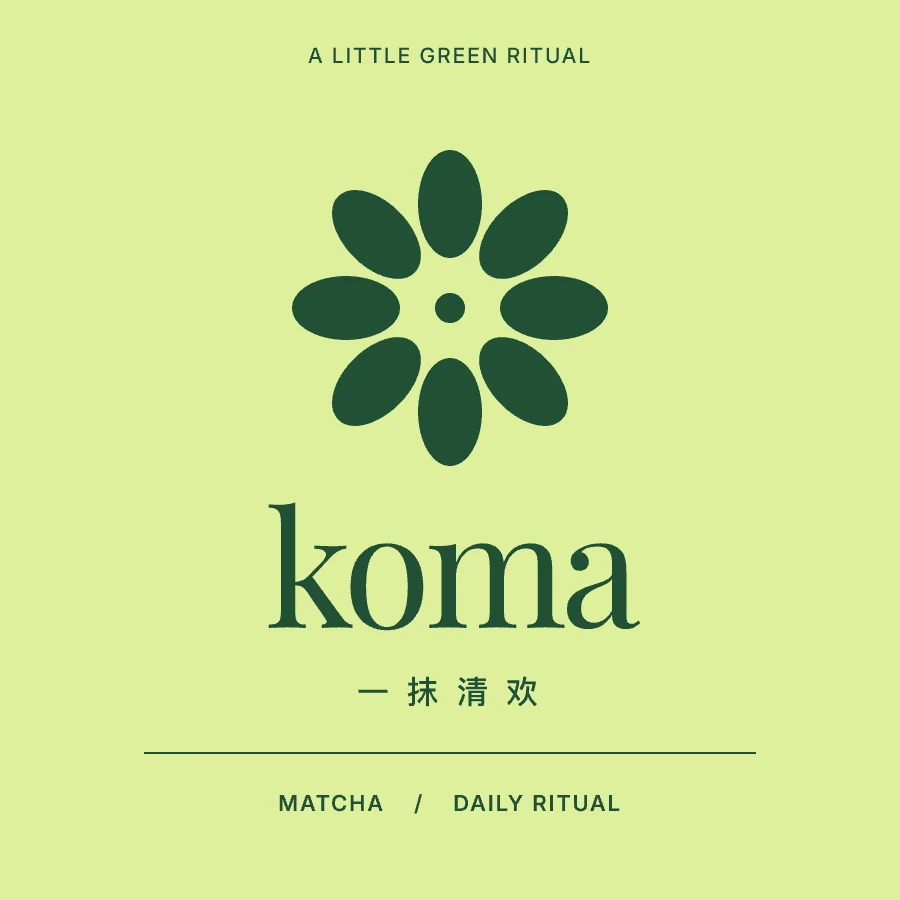
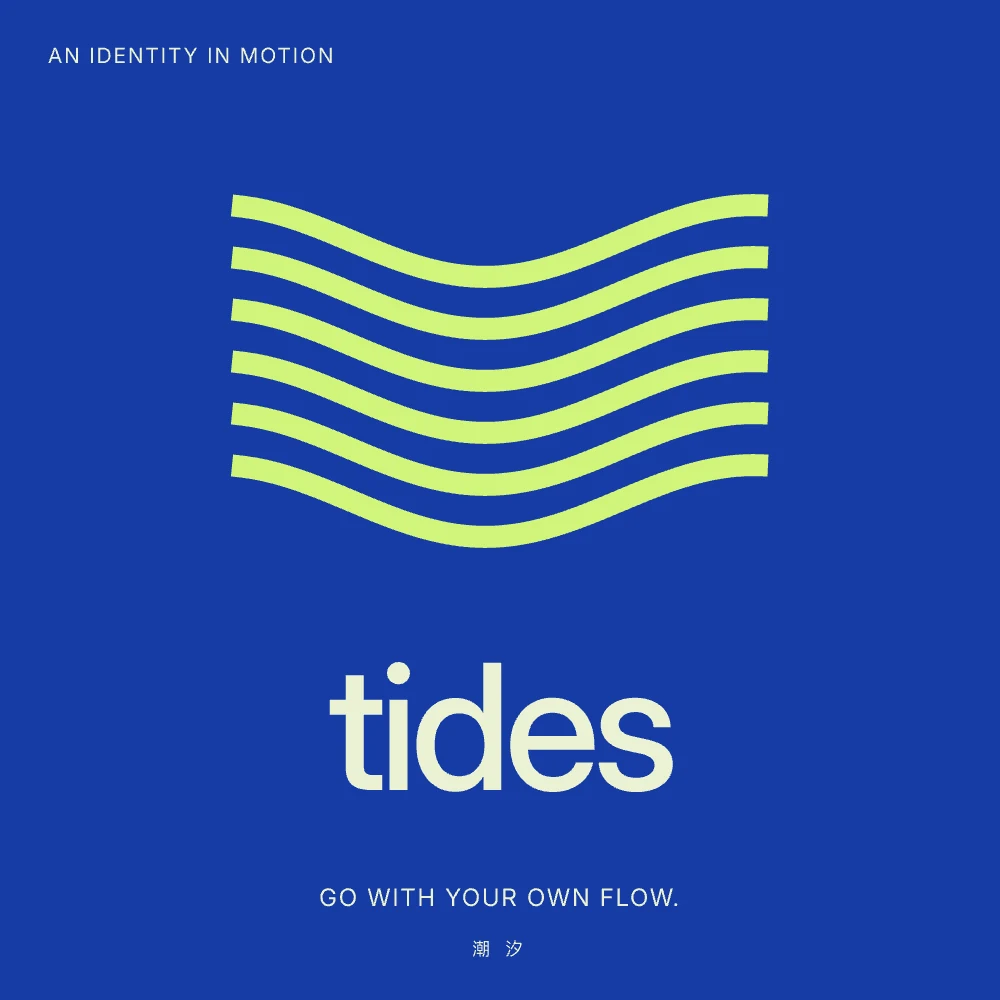
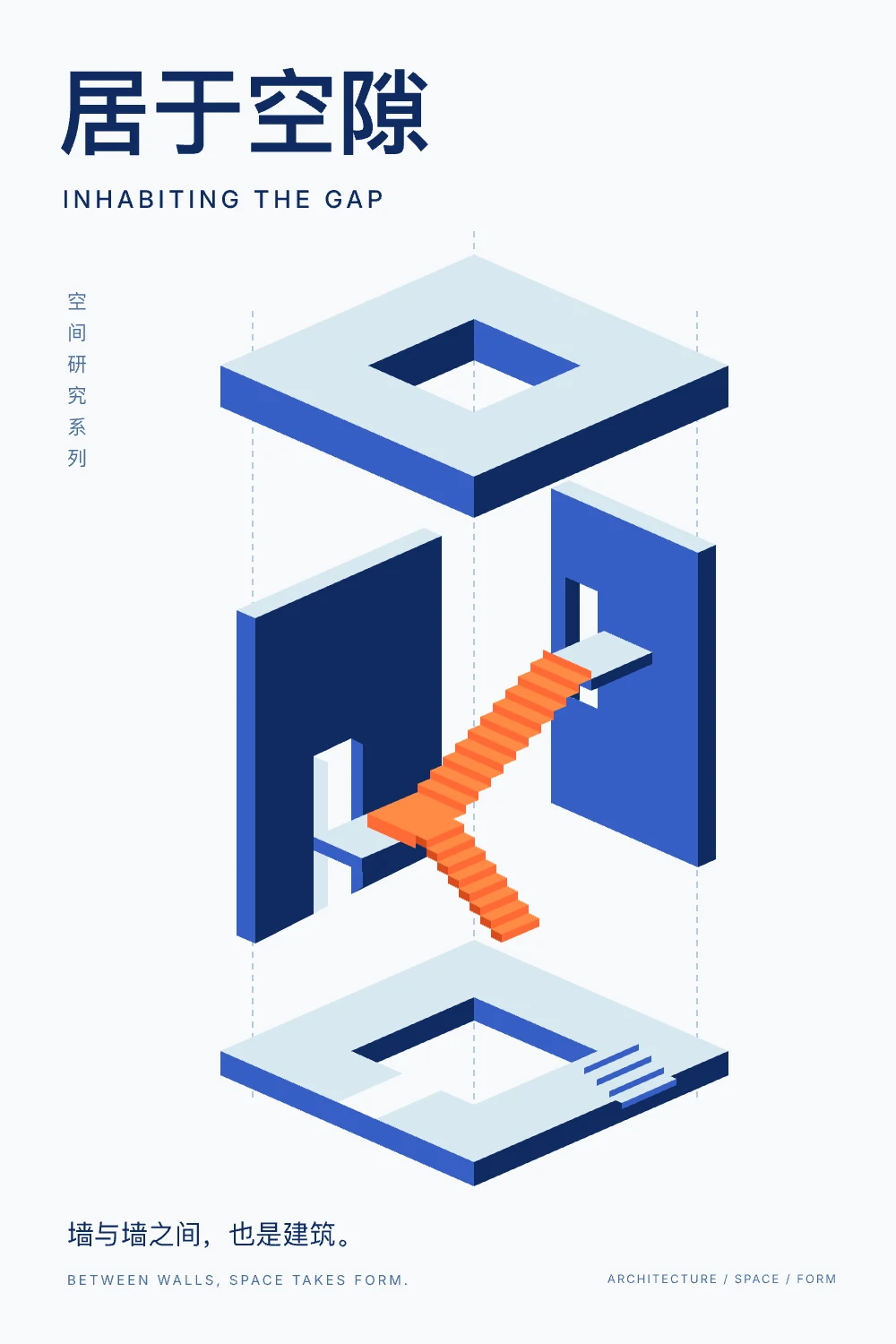
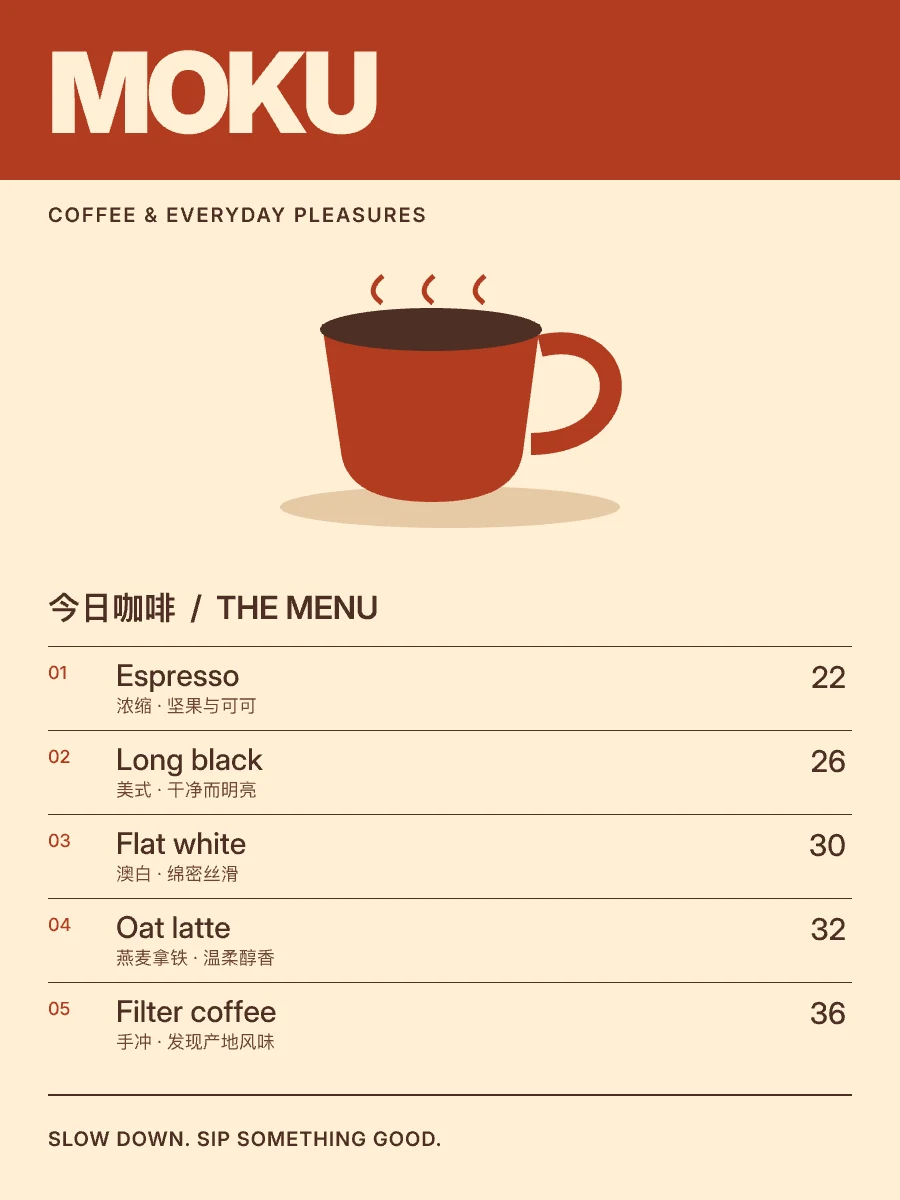
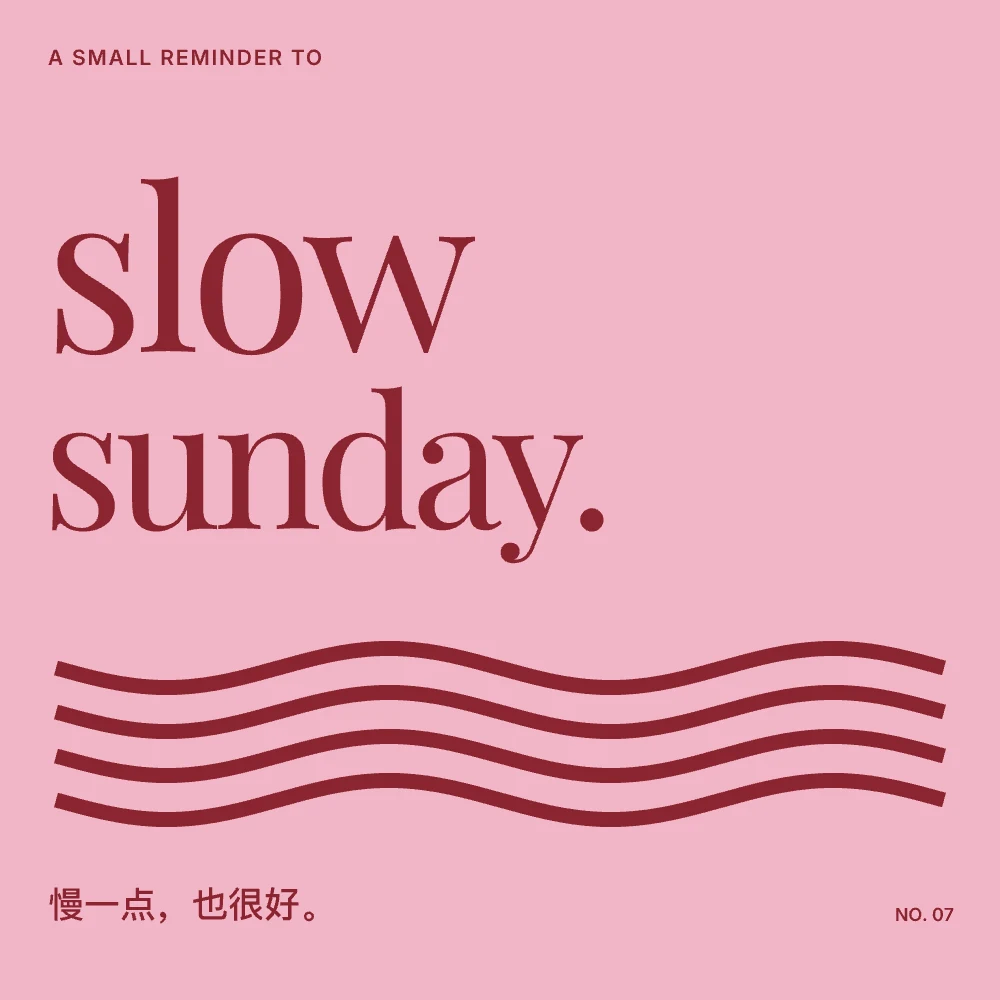
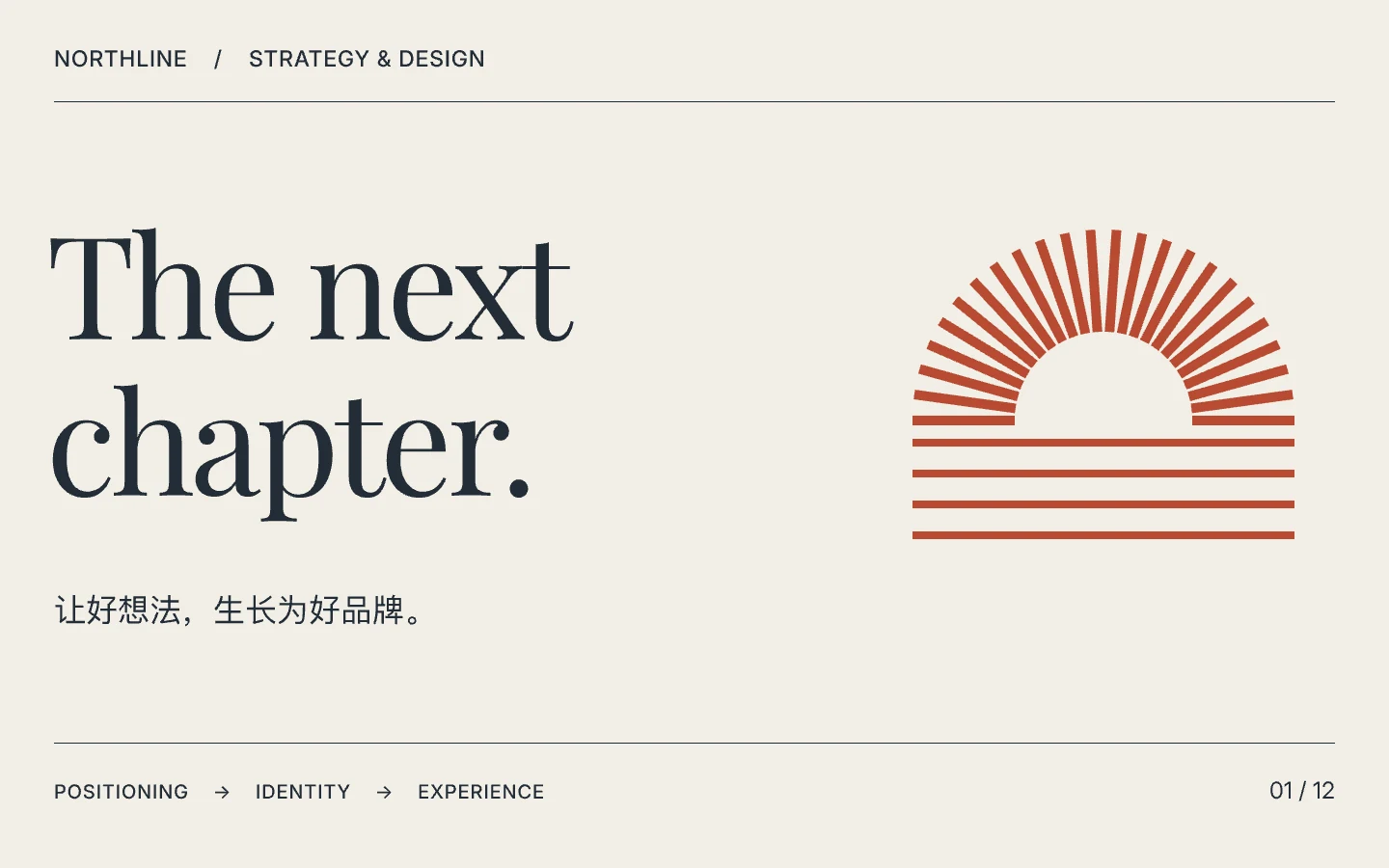
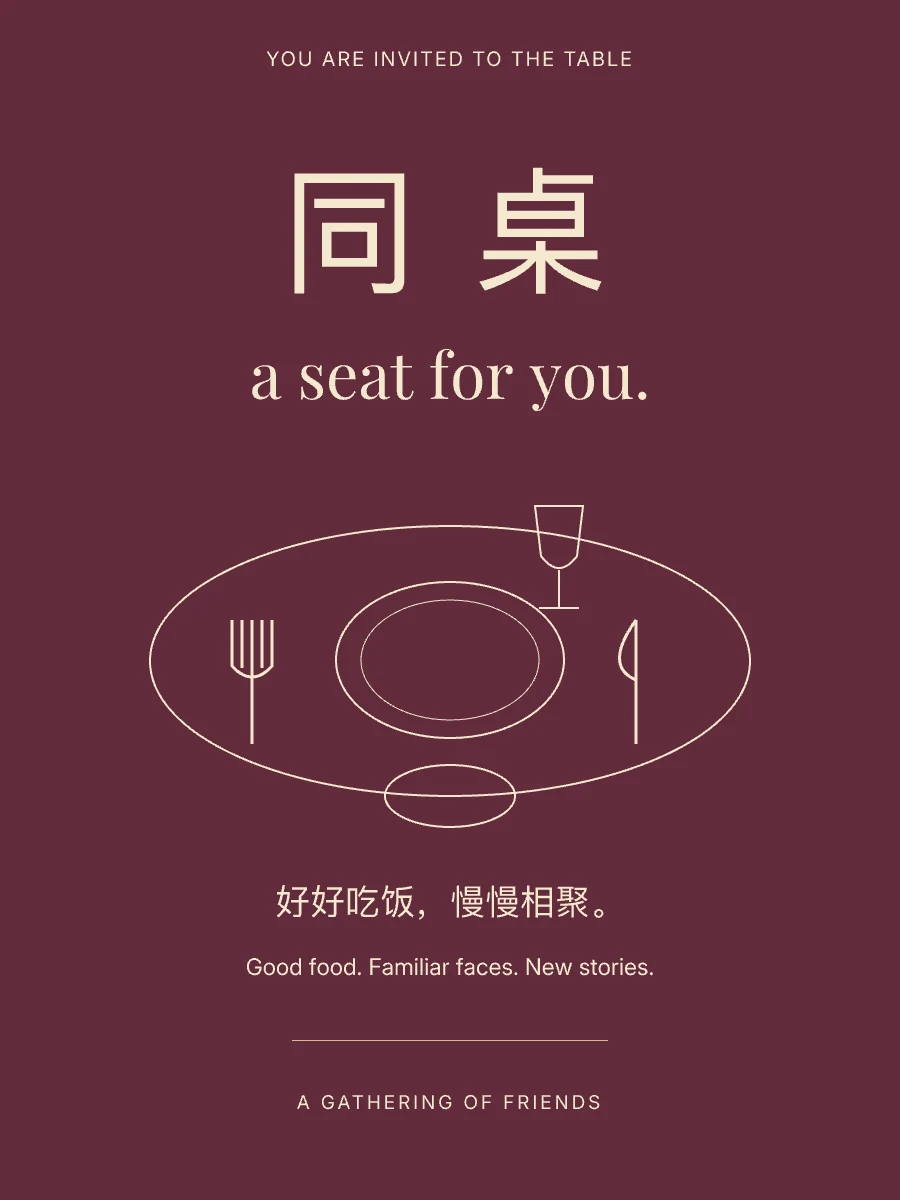
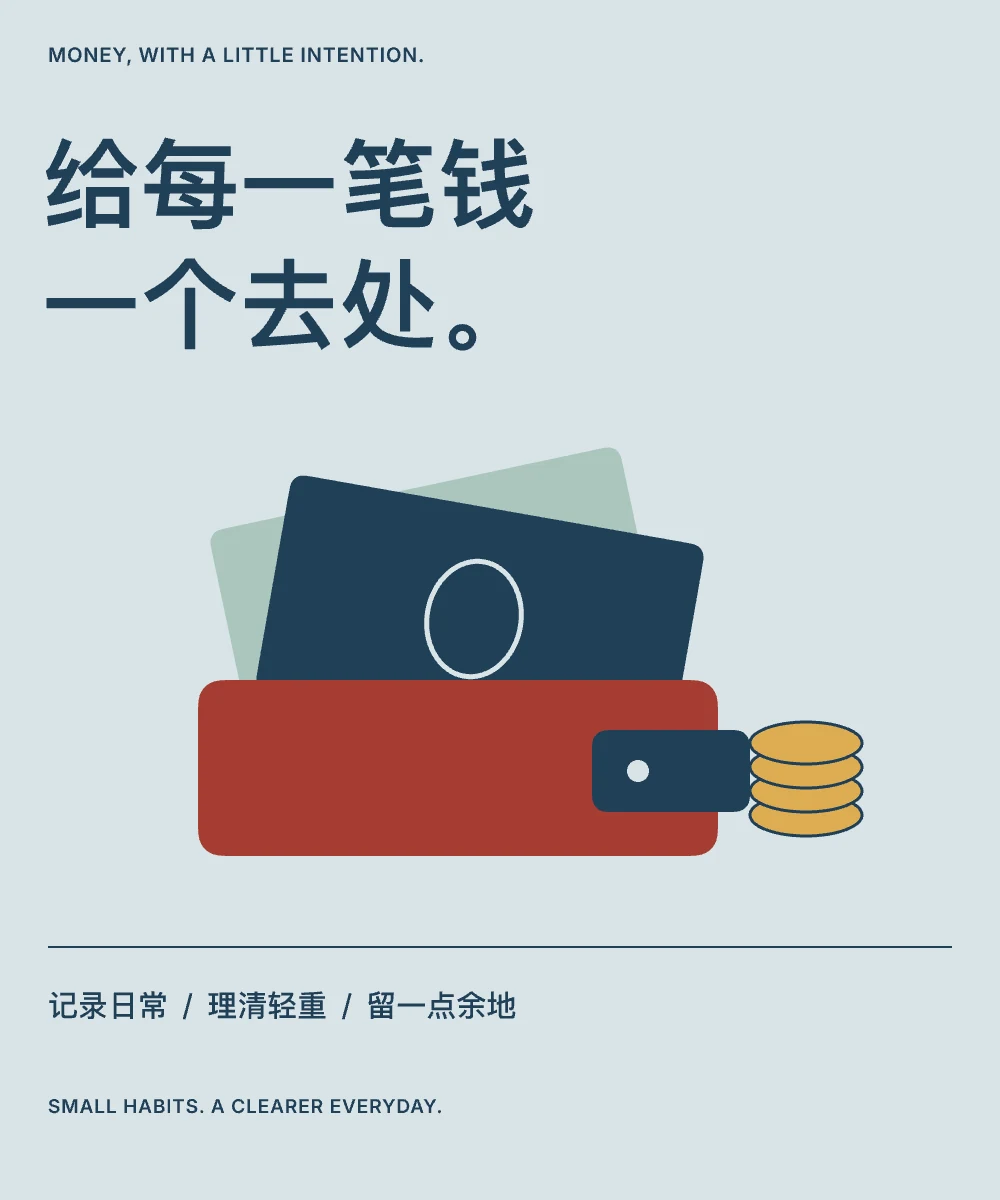
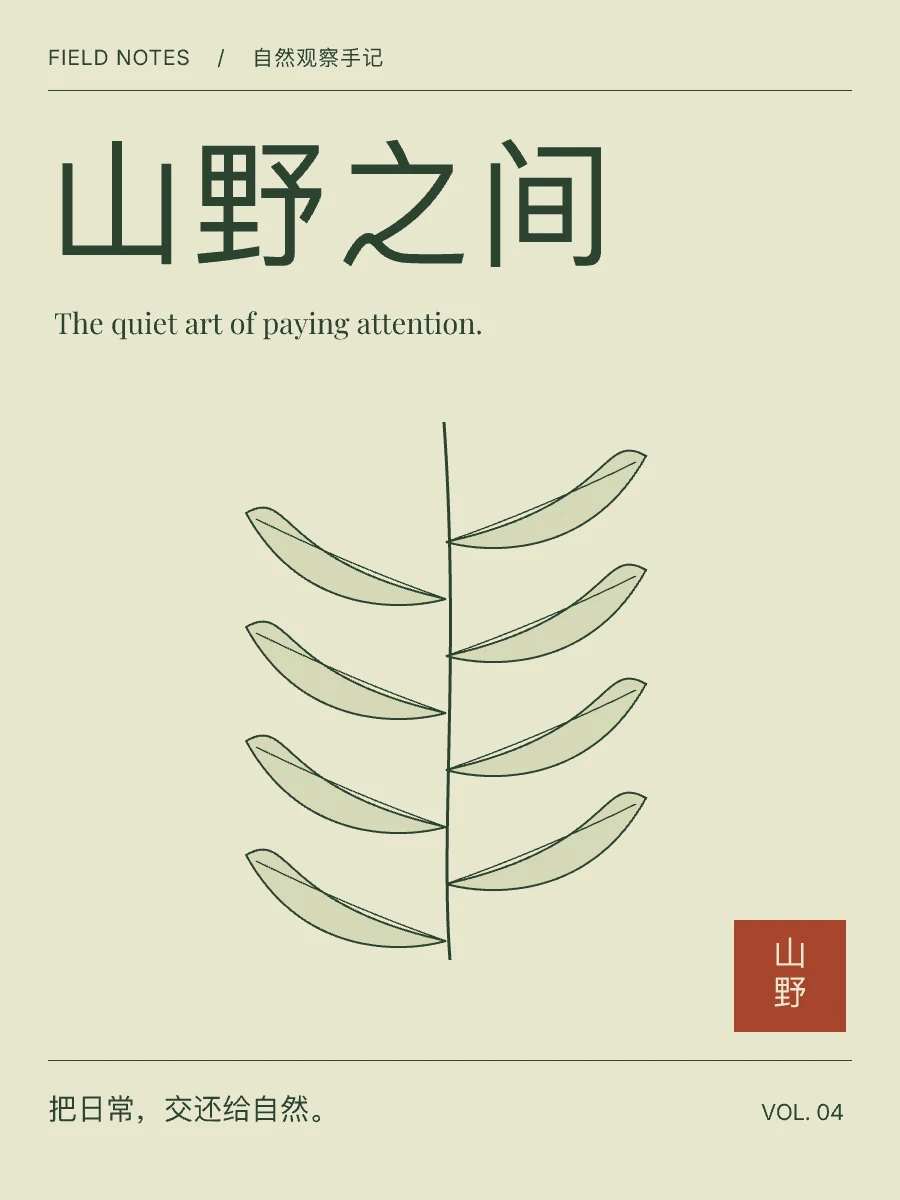
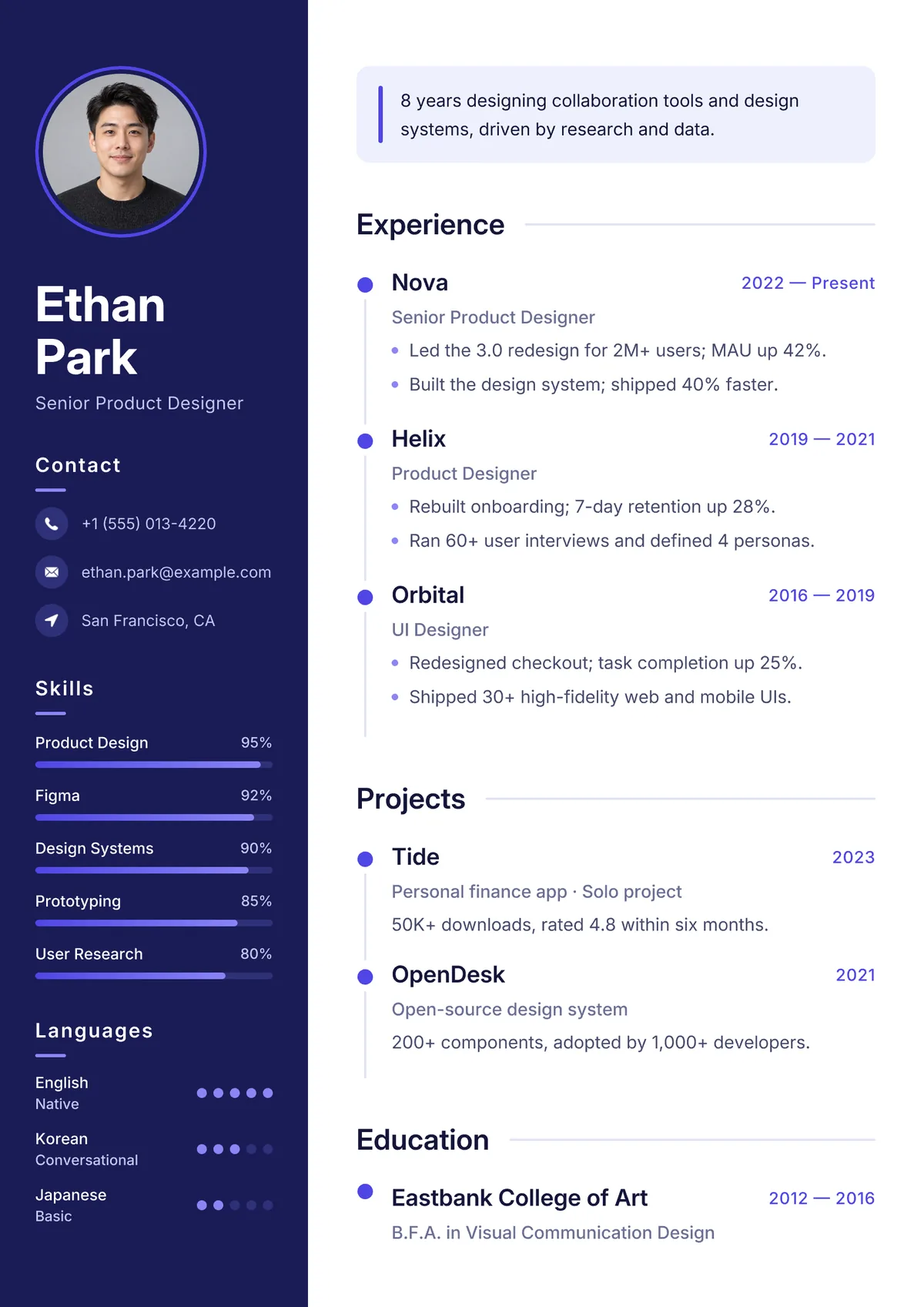
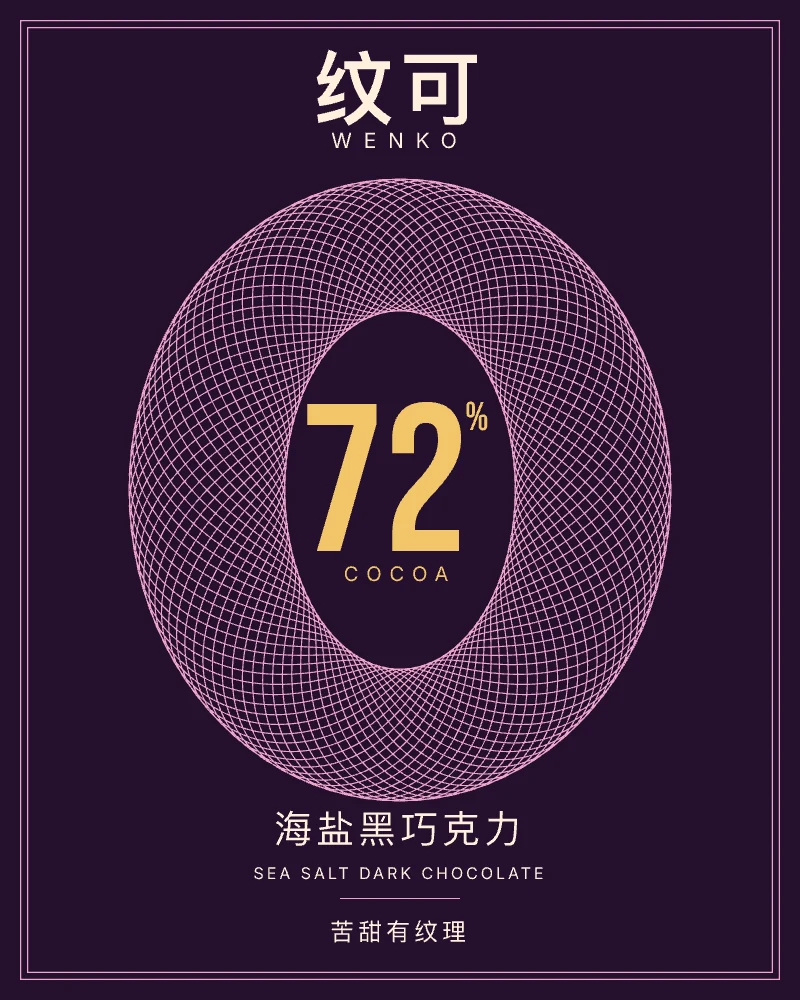
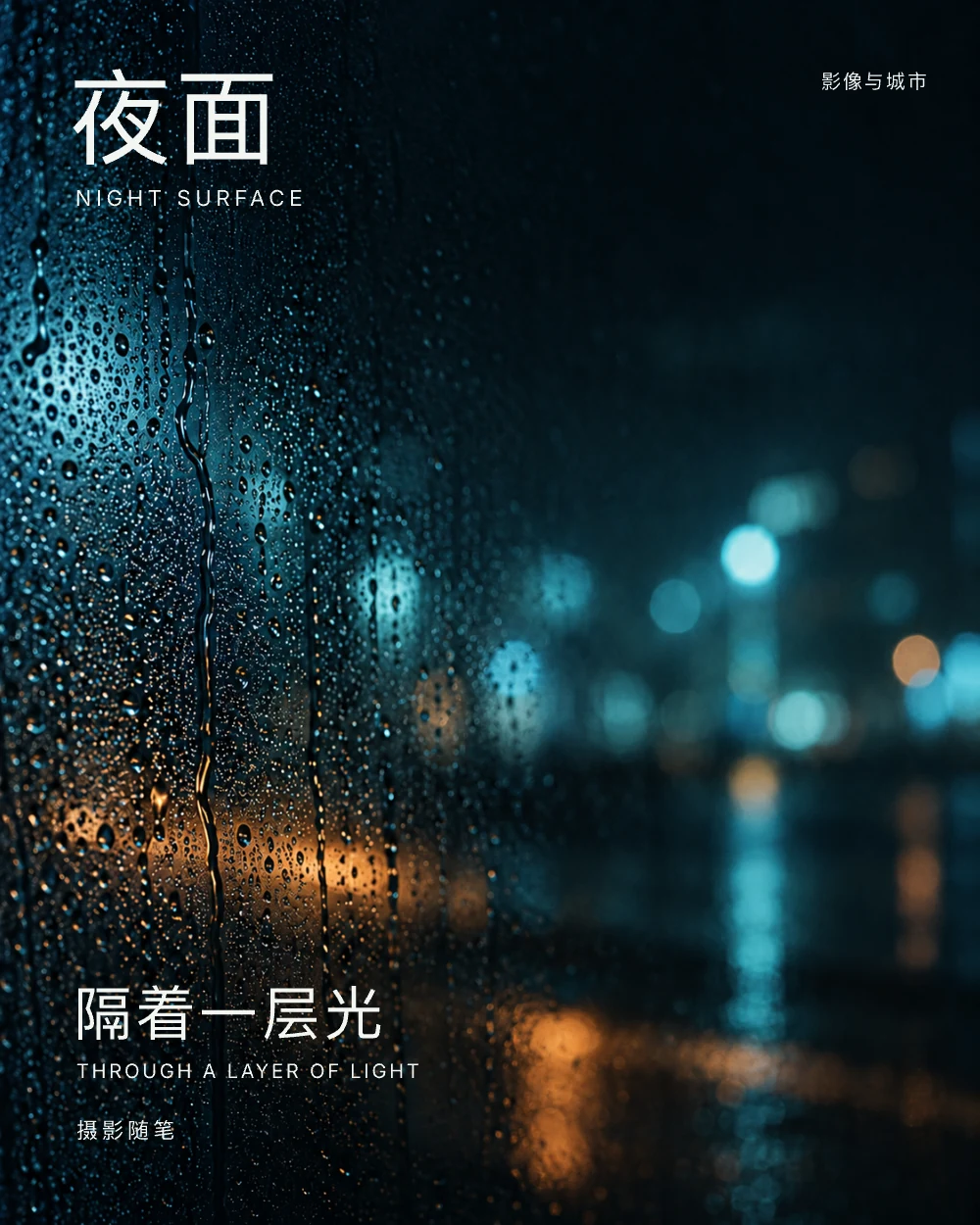
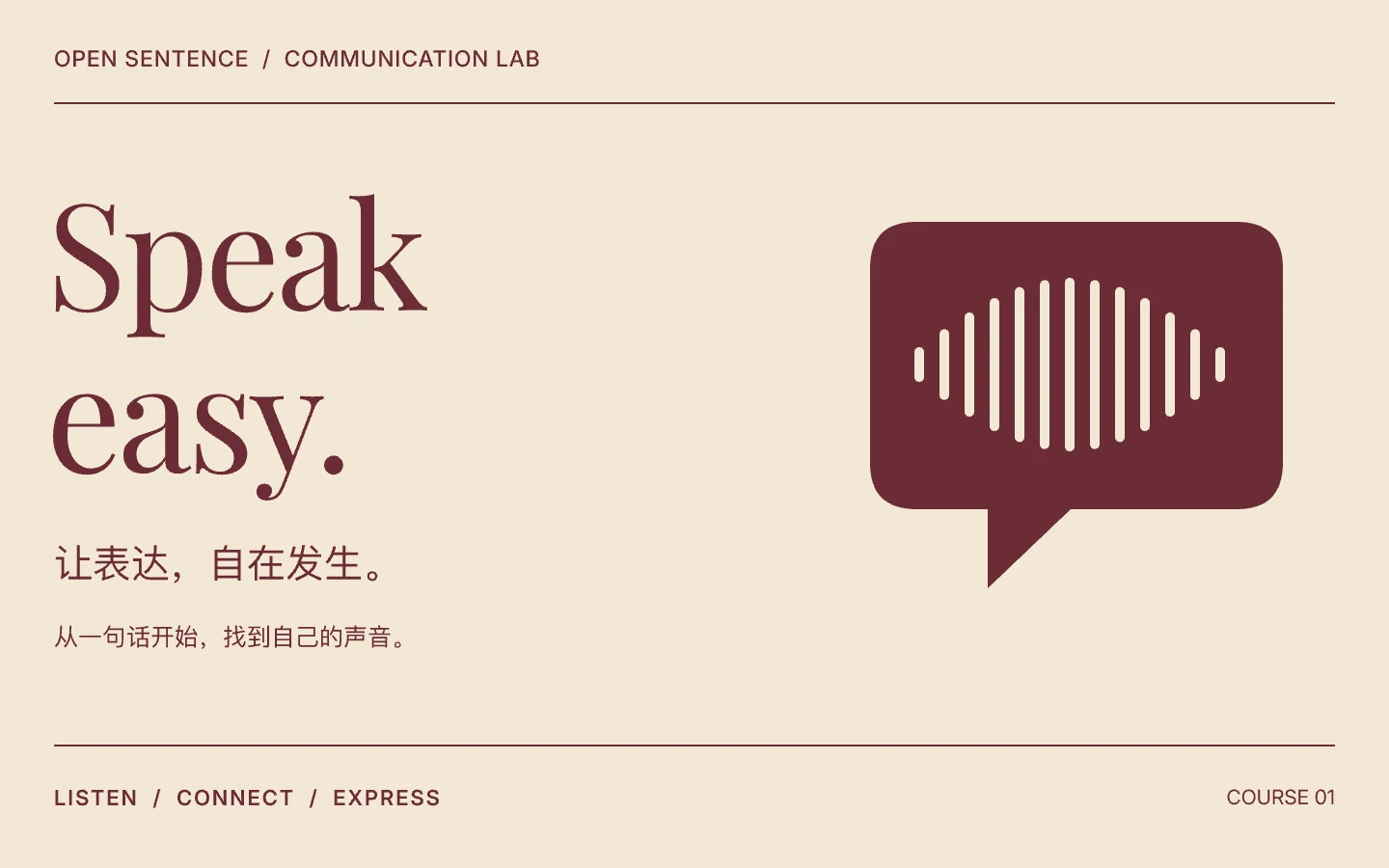
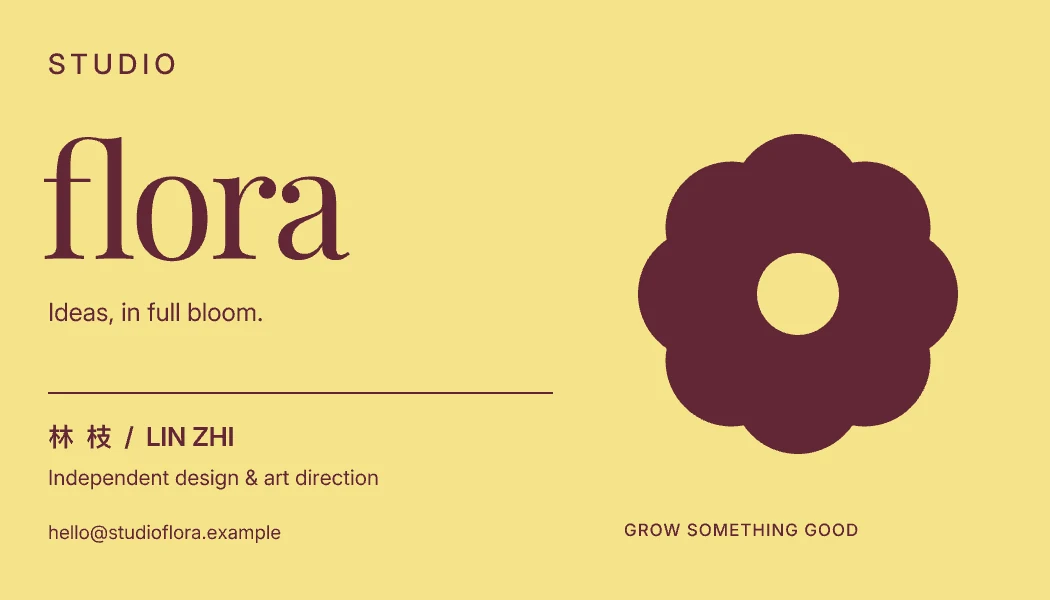
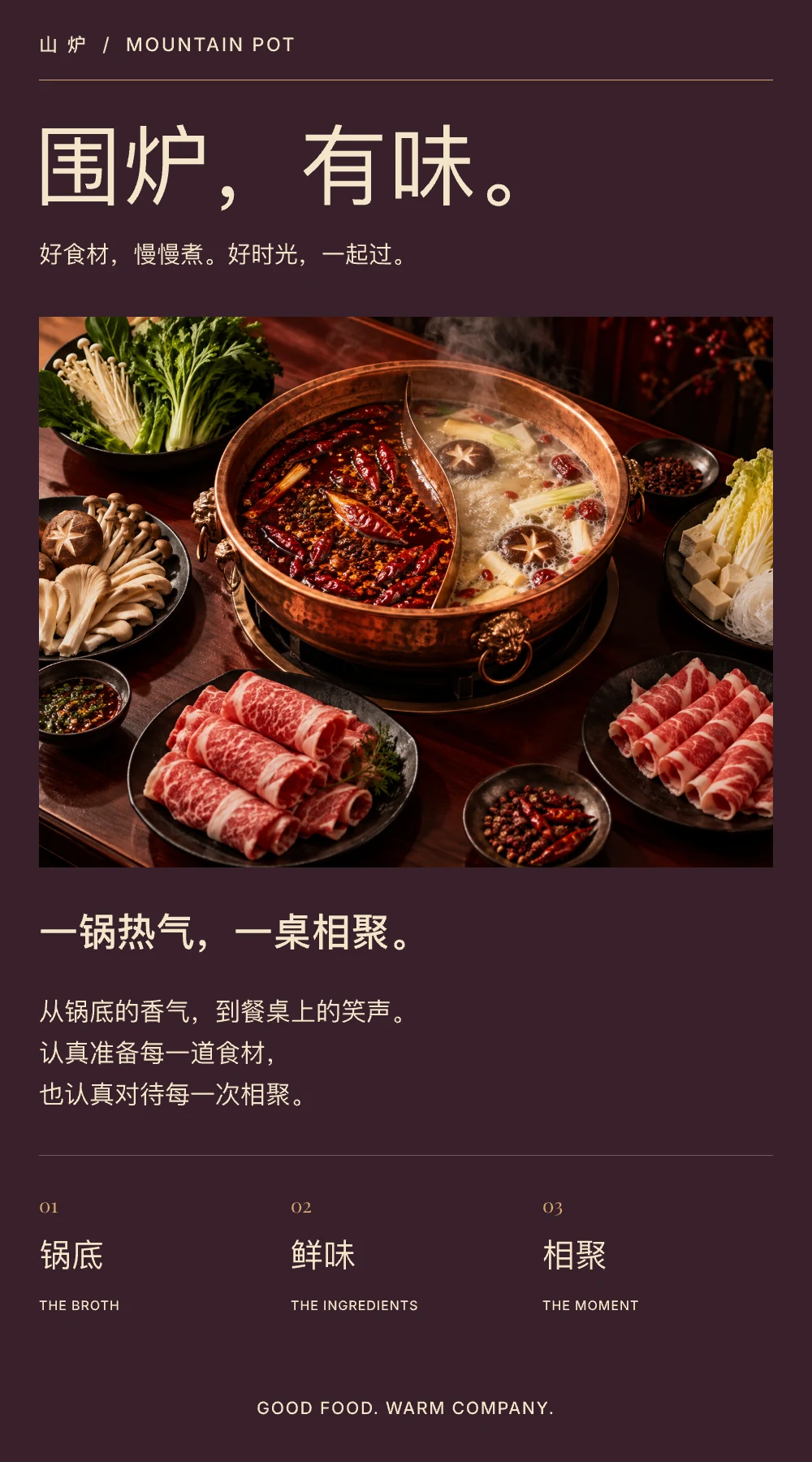
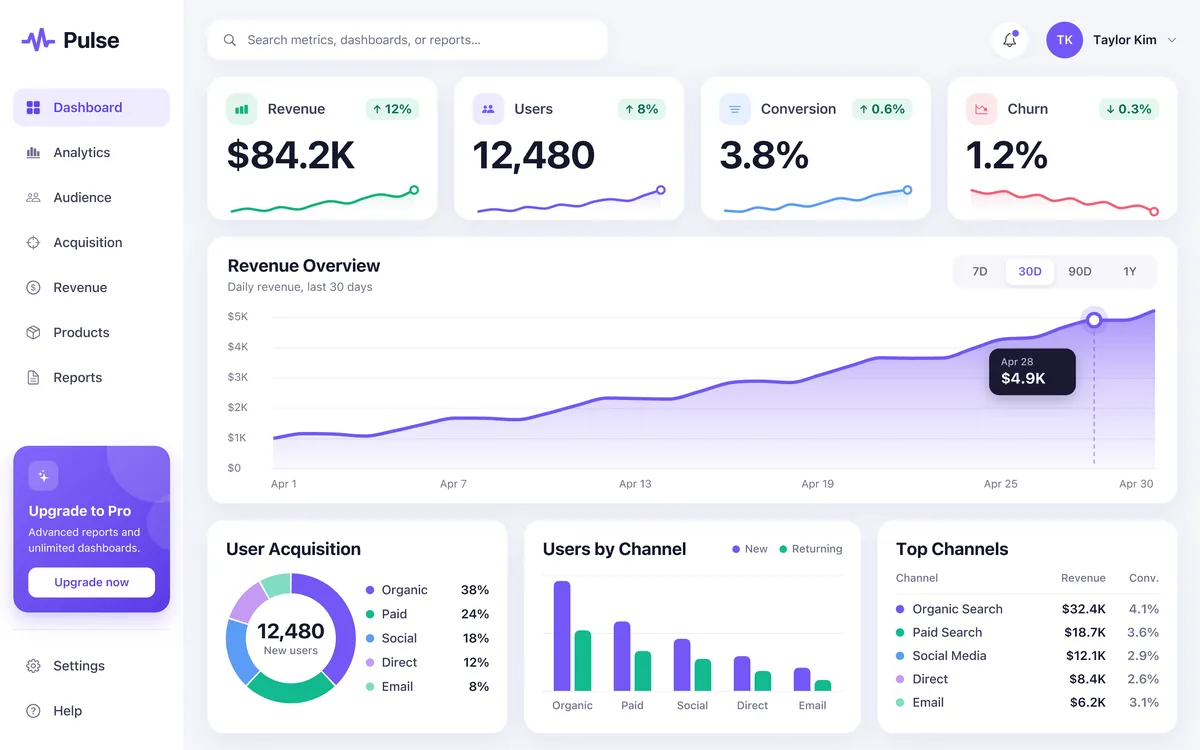
Click any design to see it full size. Every one stays editable in VectorShop.
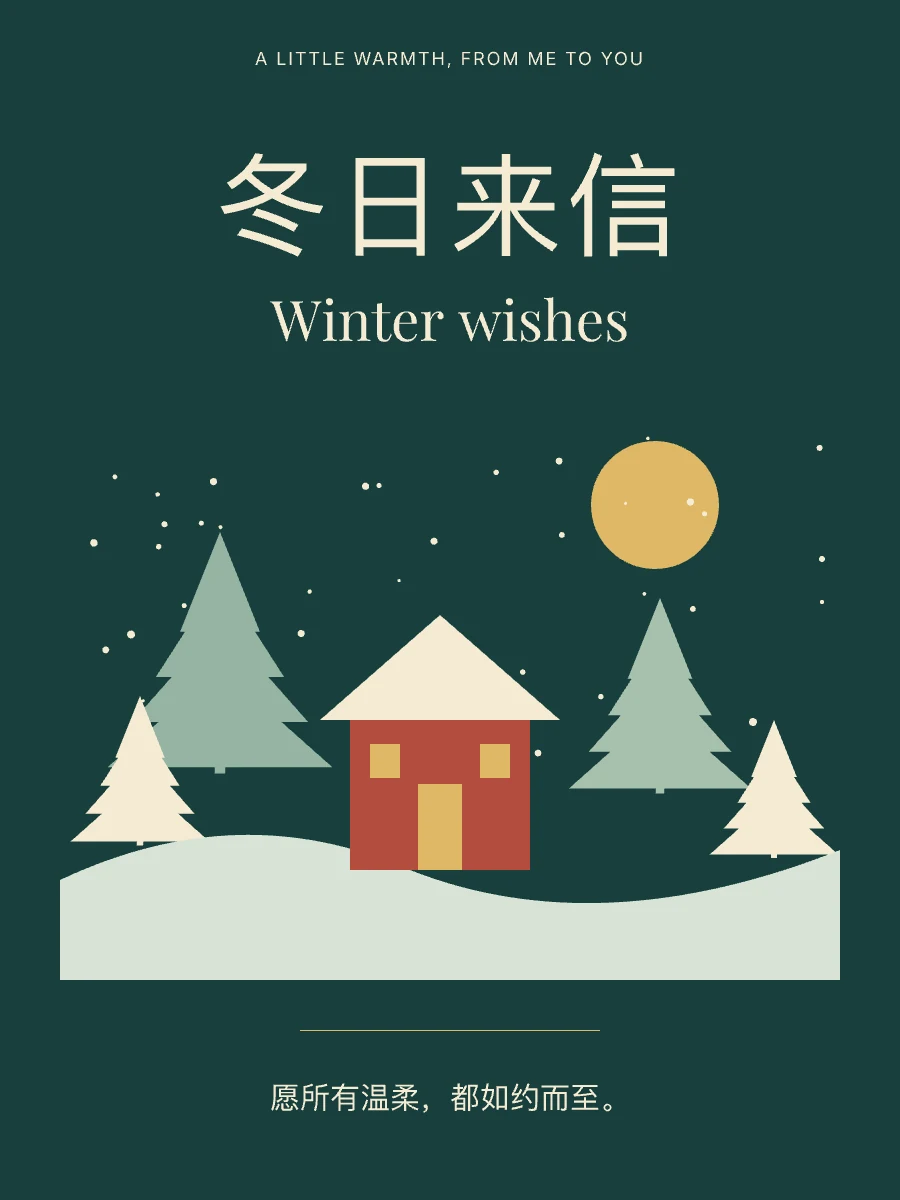
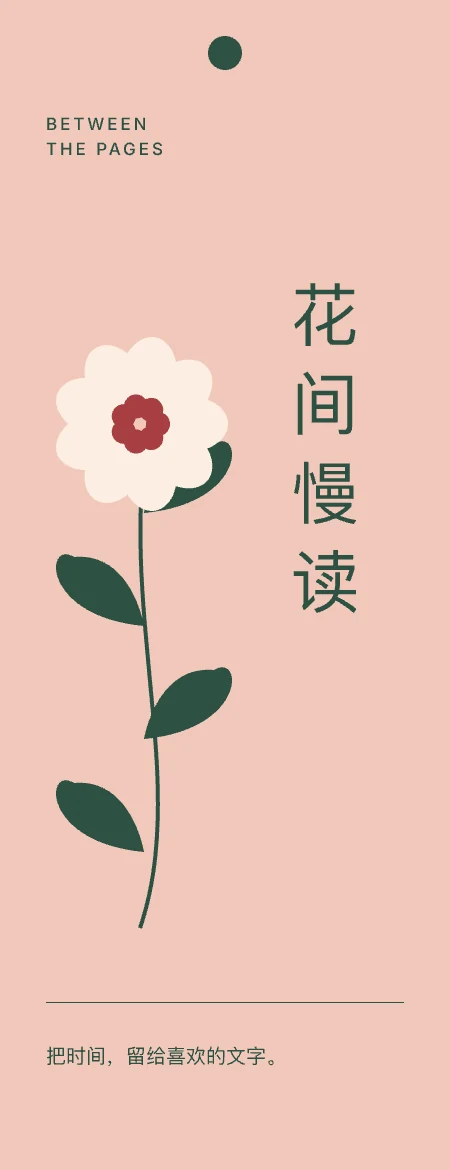
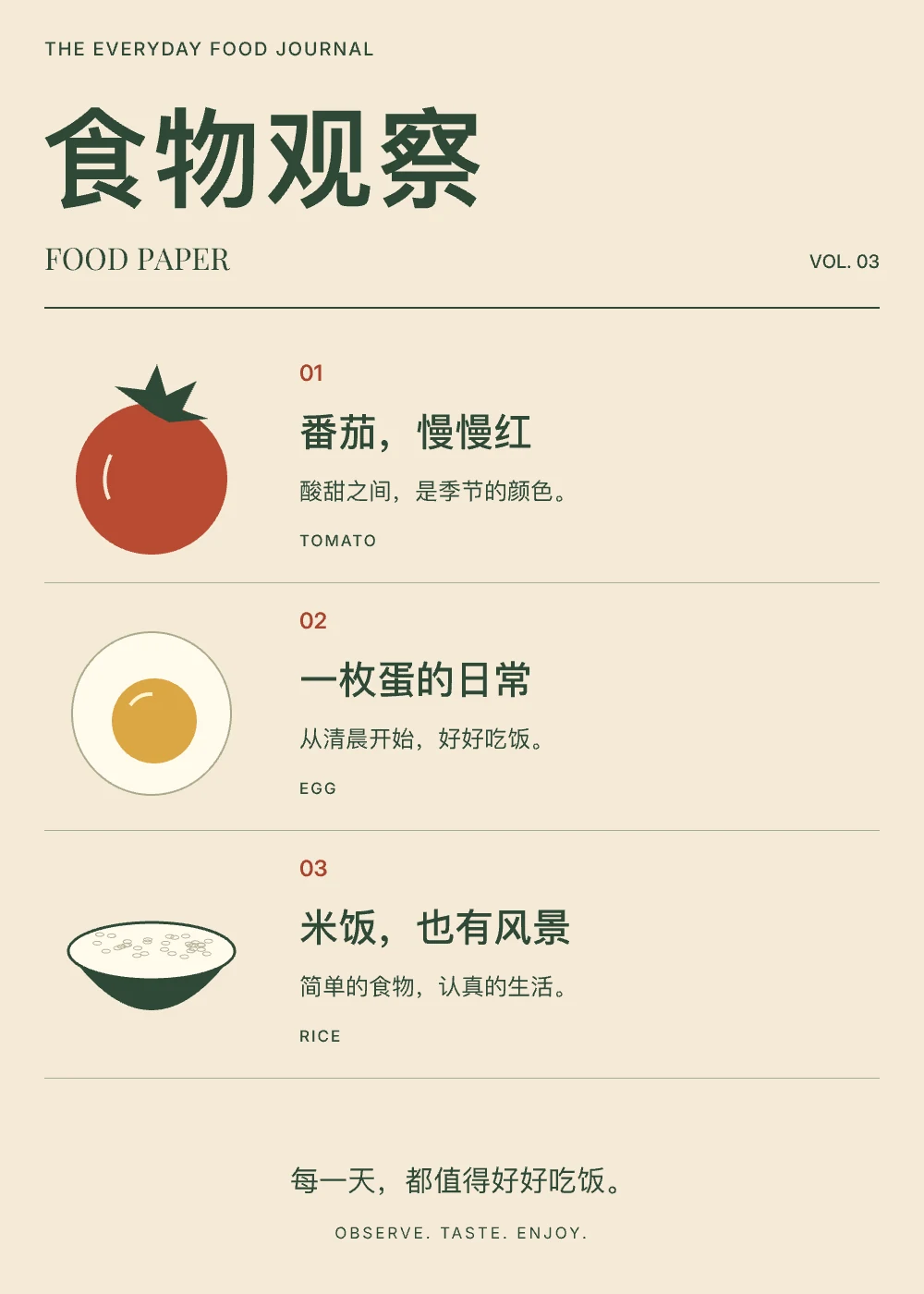
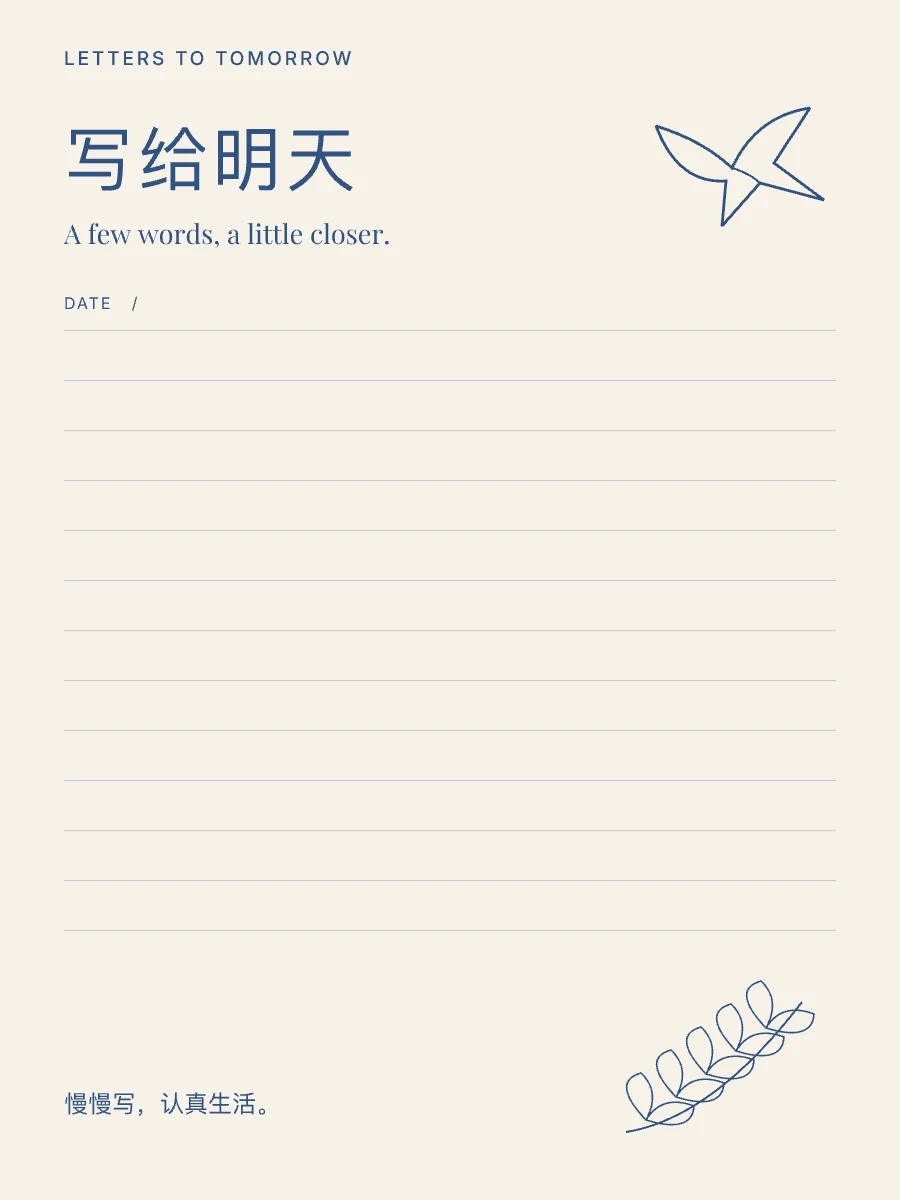
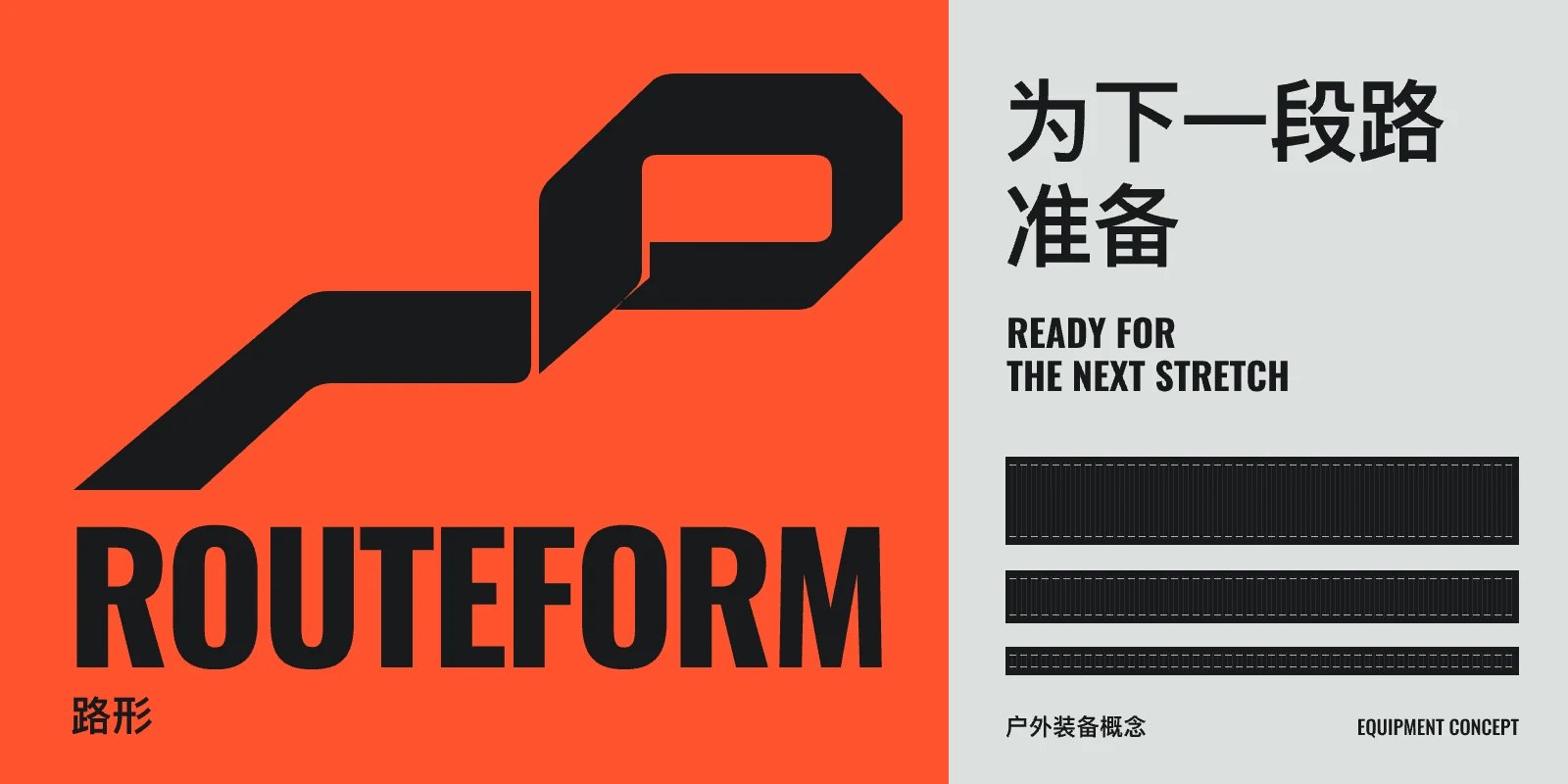
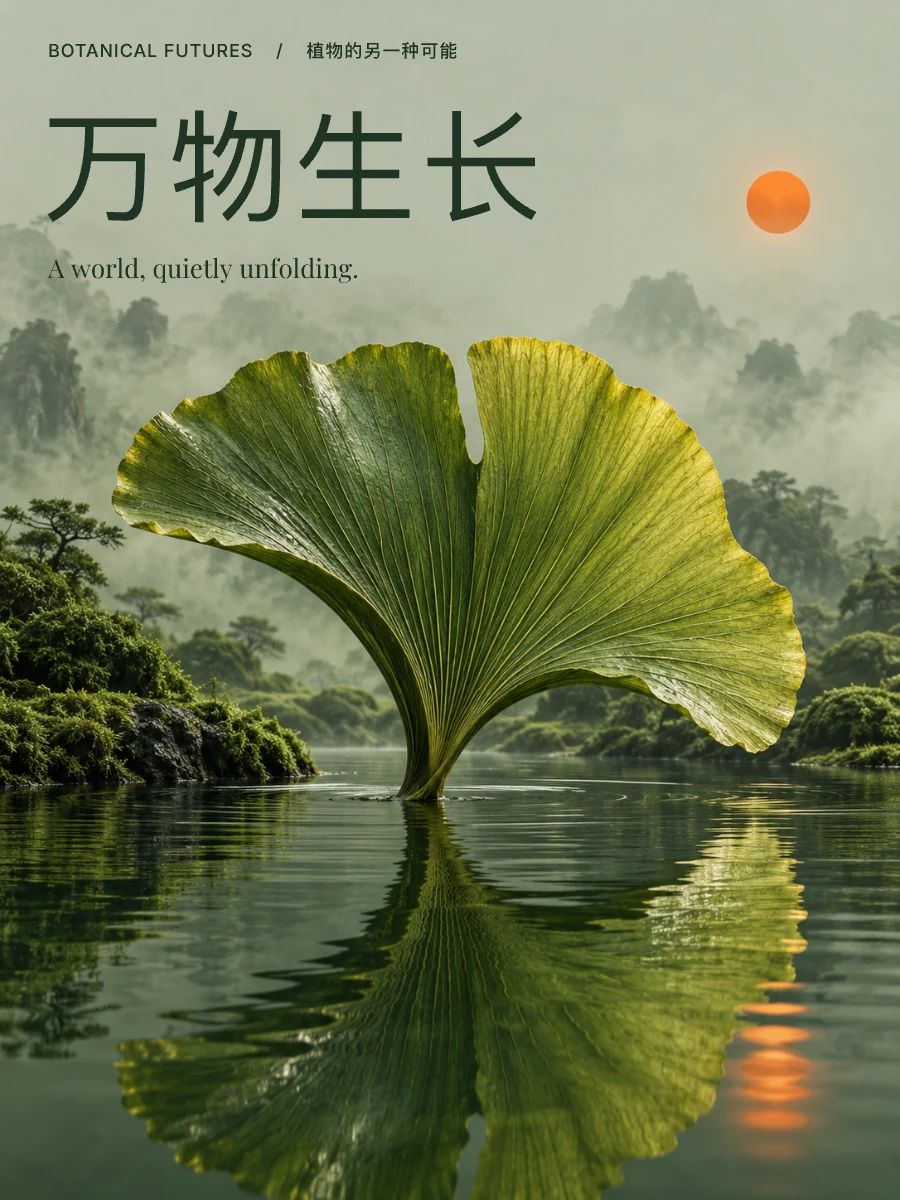
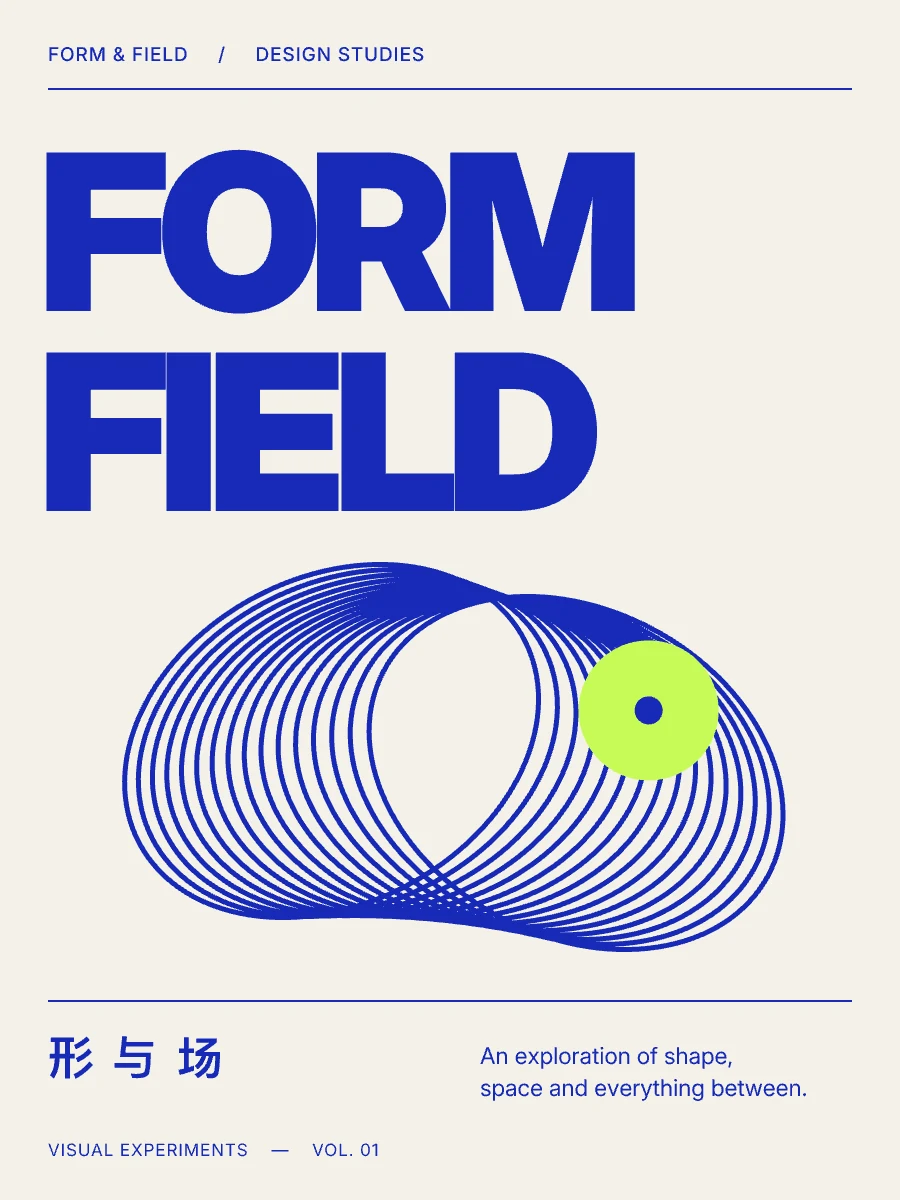
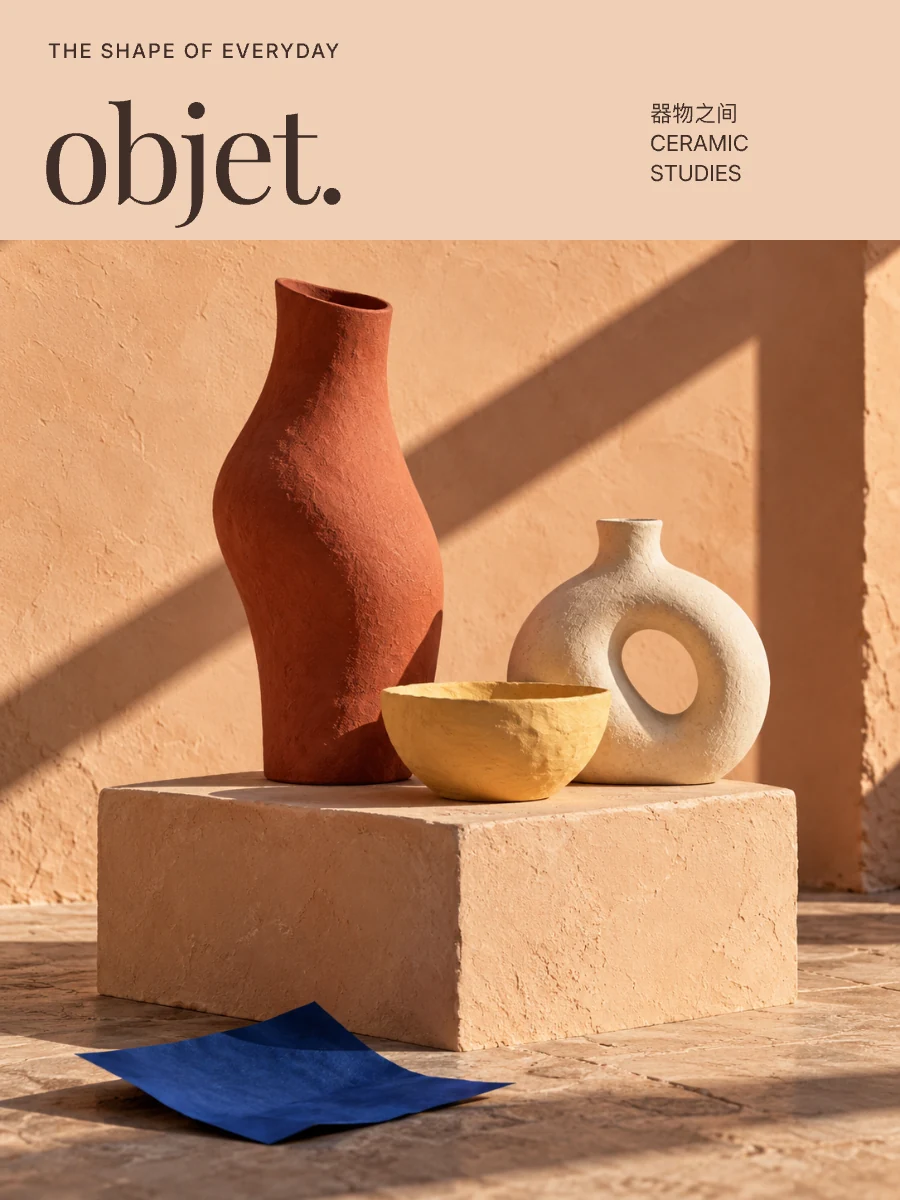
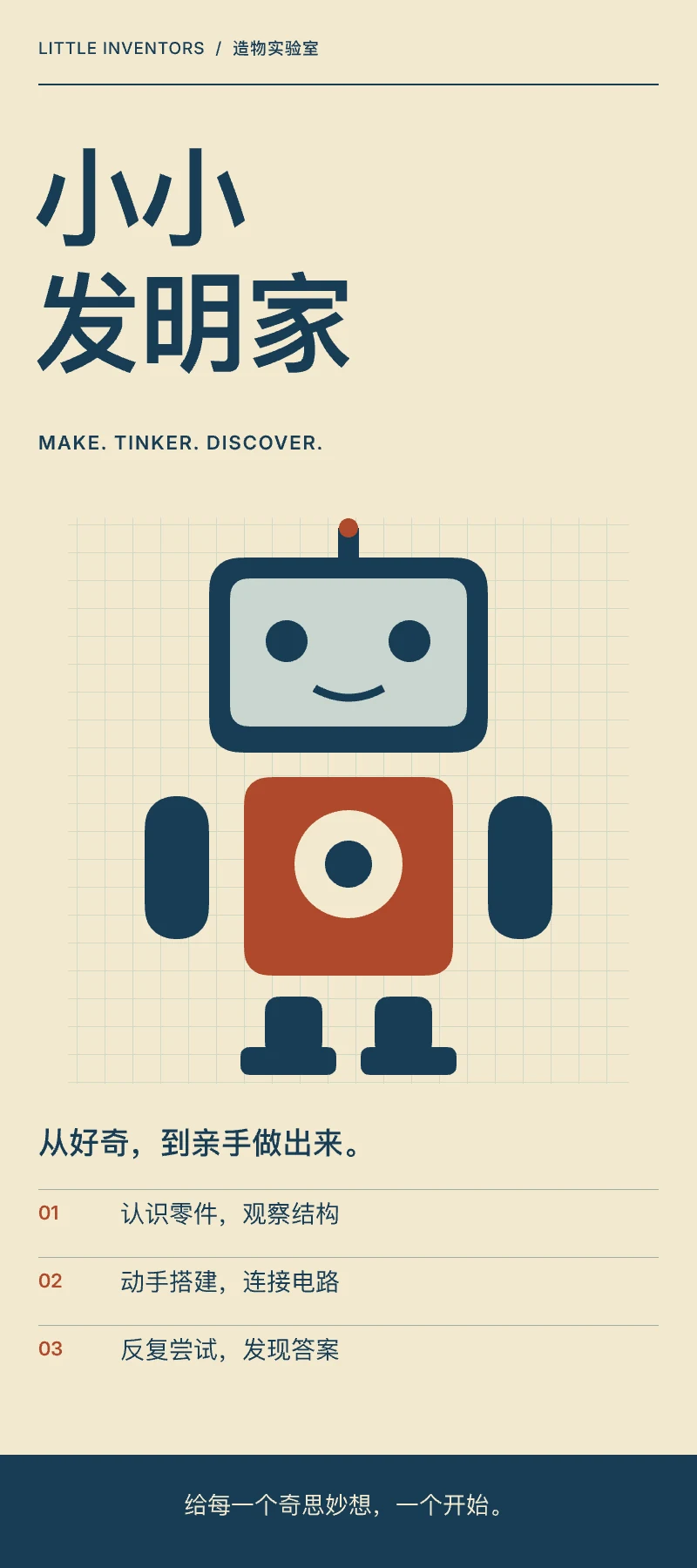
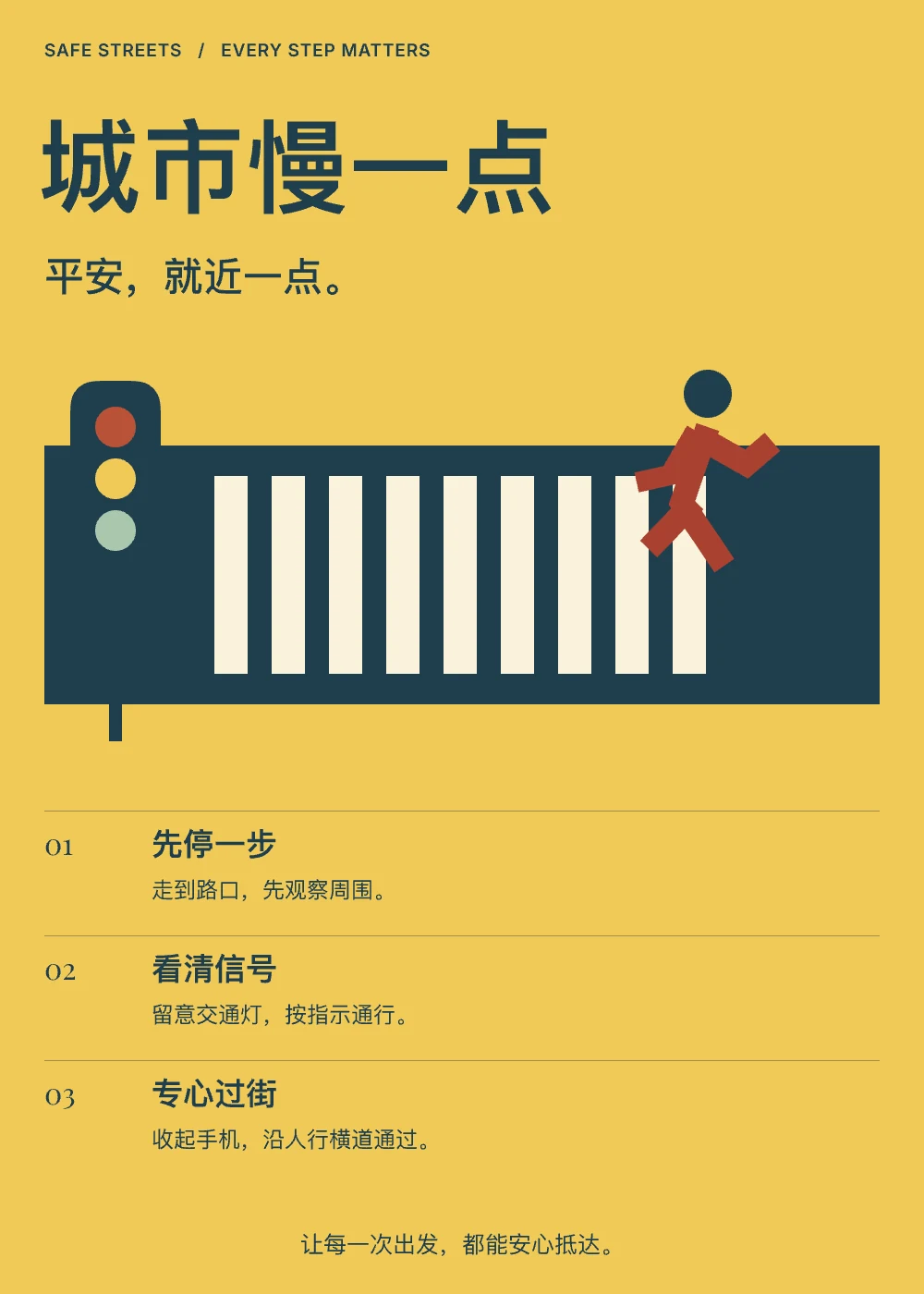
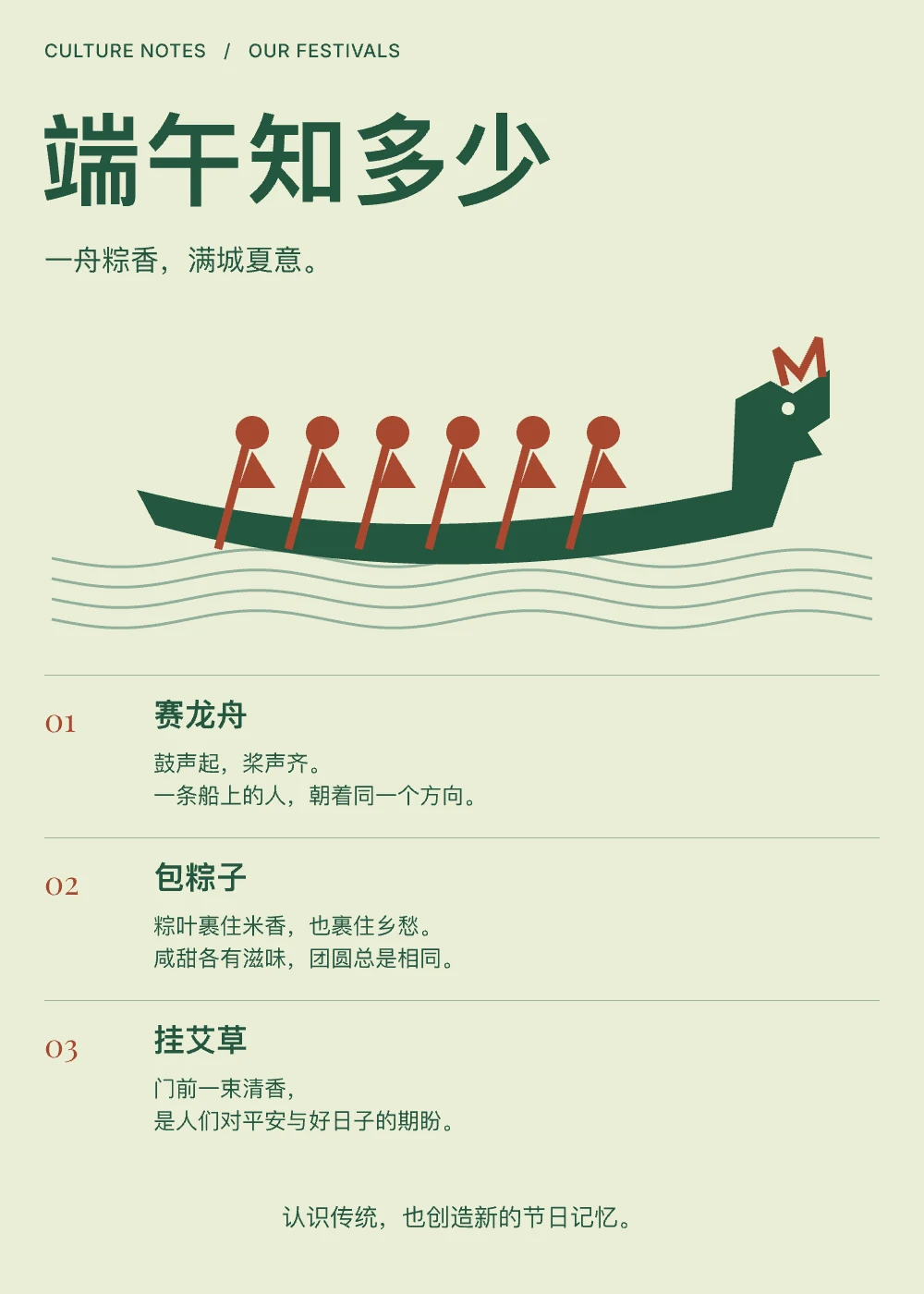
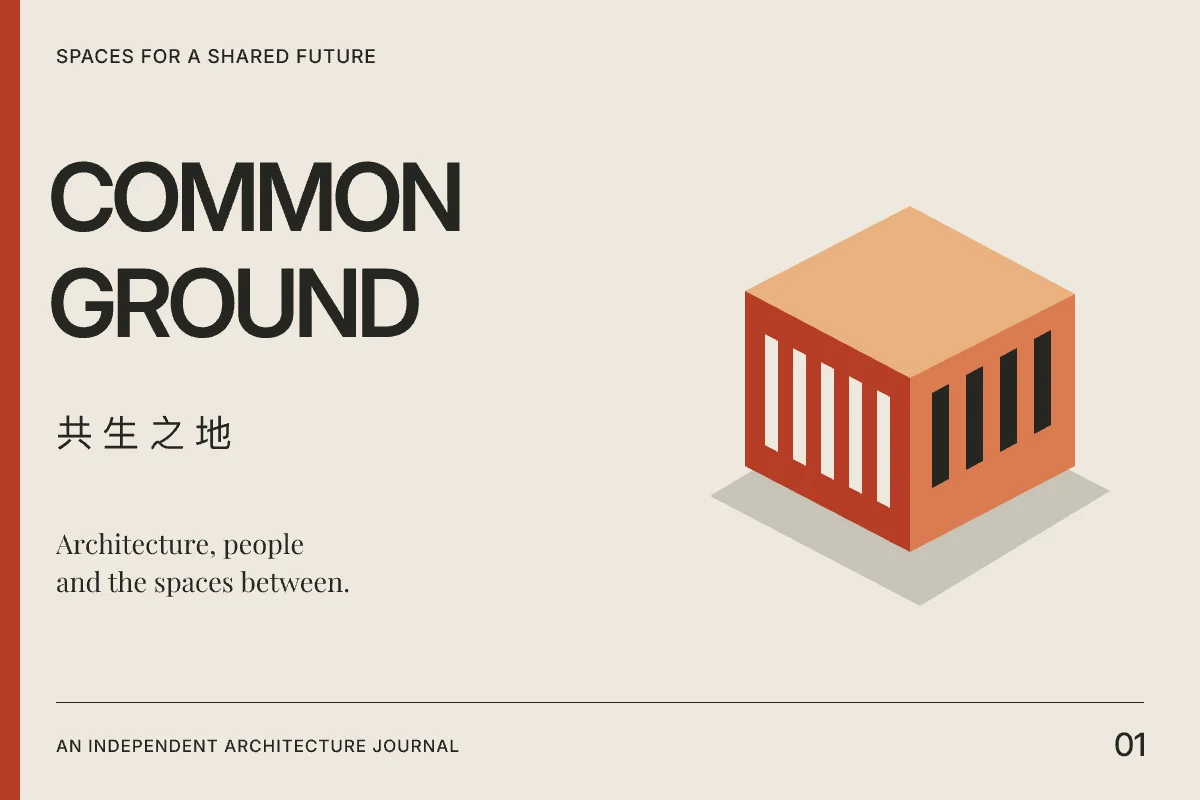
Plugin · Claude Code / Codex / OpenClaw
Install the vectorshop-design plugin and the coding assistant you already use can design. Hand it a concept image, say one from GPT Image, and it rebuilds it: layout, text and colors become vectors, and illustrations can stay as images. Every layer of the result stays editable.
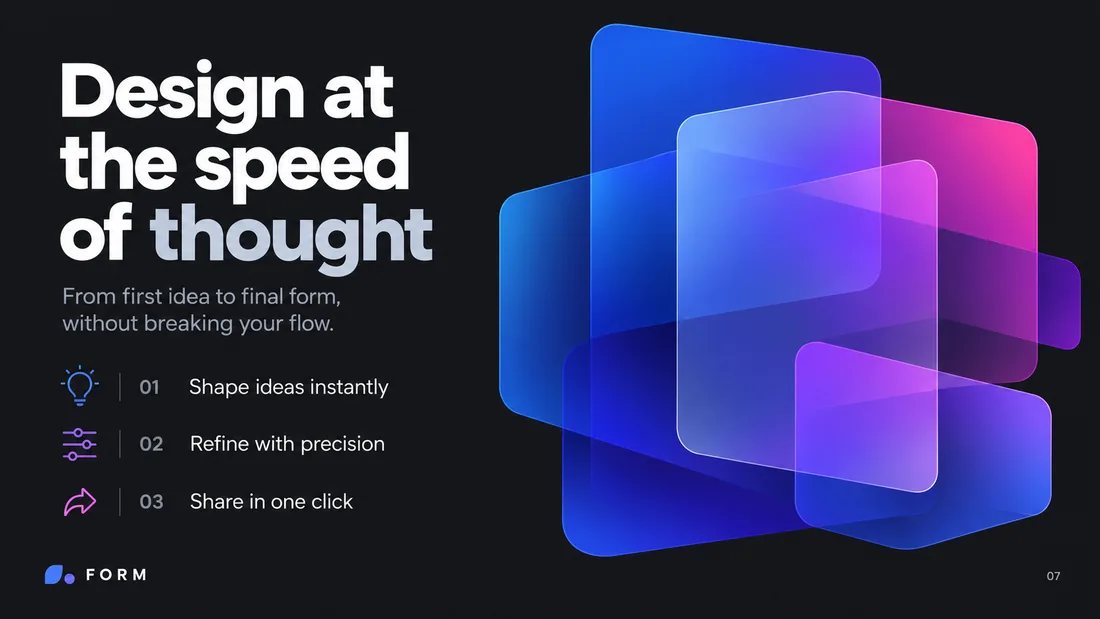 GPT Image conceptReference: GPT Image
 827 × 712
524 × 684
827 × 712
524 × 684
In the Claude Code, Codex or OpenClaw session you already have open, describe what you need or drop in a concept image.
Write the design → render → look at the render → keep going. Not one roll of the dice.
The finished 1x PNG is free and ready to use, and the .vsp source comes with it.
Exporting at 2x or above and editing that .vsp need Pro; with Pro the plugin exports 2x directly.
Run these two commands inside Claude Code:
/plugin marketplace add chenyunguiMilook/vectorshop-cli/plugin install vectorshop-design@vectorshop-cliRun these in a terminal:
codex plugin marketplace add chenyunguiMilook/vectorshop-clicodex plugin add vectorshop-design@vectorshop-cliRun these in a terminal:
openclaw plugins install vectorshop-design --marketplace chenyunguiMilook/vectorshop-cliopenclaw plugins enable vectorshop-designopenclaw gateway restartFor people who already have Claude Code, Codex or OpenClaw installed and signed in. If you don't write code at all, skip this: the VectorShop app has AI chat built in, nothing to install; designing with it runs on your own model API key (Settings › Intelligence). The plugin needs macOS on Apple silicon; the binary is signed with an Apple Developer ID and notarized. Plugin repository (GitHub)
Pricing
The full vector editor is free: not a timed trial, no watermarks. Pro unlocks the AI design features, by subscription or a one-time purchase.
$0 free forever
$1.99 and up · 7-day free trial
Pro unlocks the AI design tools; it does not include AI usage credits. Generation runs on your own model API key, added in Settings › Intelligence, so you pay the model provider's list price directly: we don't resell credits, mark up per image, or hand you points that expire each month.
Prices shown are US App Store prices; other regions follow Apple's equivalent price tiers. Subscriptions can be cancelled anytime.
FAQ
Most AI tools hand you a bitmap you can't touch. VectorShop hands you a beautiful, finished vector design: layers, text and styles all stay editable, so you keep refining without re-generating.
Yes. Describe what you need in chat; if the brief is unclear, the AI asks. Composition, hierarchy and color are backed by built-in design craft.
Mac, iPad and iPhone. The Mac version is on the App Store now; iPad and iPhone are coming soon. It needs macOS 26, iPadOS 26 or iOS 26 or later. The same .vsp design opens on all three, so you can keep editing wherever you are.
Import PSD, SVG, Sketch, PNG, JPEG. Export SVG, PNG, JPEG with multi-size and icon presets.
Yes. The canvas is whatever ratio and size you want: a 1080×1920 story, a 2400×600 banner, a several-thousand-pixel scrolling image. On export you type the target width, height or multiplier and it re-renders from vectors instead of upscaling a bitmap, so it stays sharp at any size. AI backgrounds are generated at your canvas's real ratio too.
Yes. Designs you create in VectorShop are yours to use for personal or commercial purposes: no watermarks, no attribution required, no extra licensing fees.
Two separate things. Pro unlocks the AI tooling ($1.99/mo, $4.99/yr, or $9.99 once). The AI compute is yours: add your own model API key under Settings › Intelligence and generation runs on your own credits; we don't resell them or take a cut. The vector editor itself stays free.
Yes. Install the vectorshop-design plugin. The finished 1x PNG is free; exporting at 2x and editing the .vsp source need Pro. The install commands are in the Plugin section above.
Mac · iPad · iPhone
The editor is a free download. Upgrade to Pro for the AI whenever you're ready.